Most people shopping for a projector in 2026 get four different answers from four different spec sheets and no way to tell which number actually matters. This home projector comparison is the version I hand clients when they text me a shortlist from the store: what the specs really mean, which units survive a room with a window, and which ones are a mistake before the box is even open. I install and calibrate these for a living in Raleigh, and the lesson that keeps repeating is simple. A modest projector in a dark room beats an expensive one in a bright room almost every time.
Related: ANSI Lumens Vs ISO Lumens: What Projector Brightness Numbers Mean
The best pick for most living rooms on this list is the 2000 ANSI lumen Google TV-licensed smart projector, because it is the only unit here that publishes an ANSI brightness figure, runs streaming apps on its own, and does not need a stick or a laptop tethered to it. The XGIMI HORIZON is the better-looking option in a dark room, the InFocus INL144 is a laser presentation projector that only makes sense for text and signage, and the Silkland cable is the one accessory worth buying no matter which projector you choose.
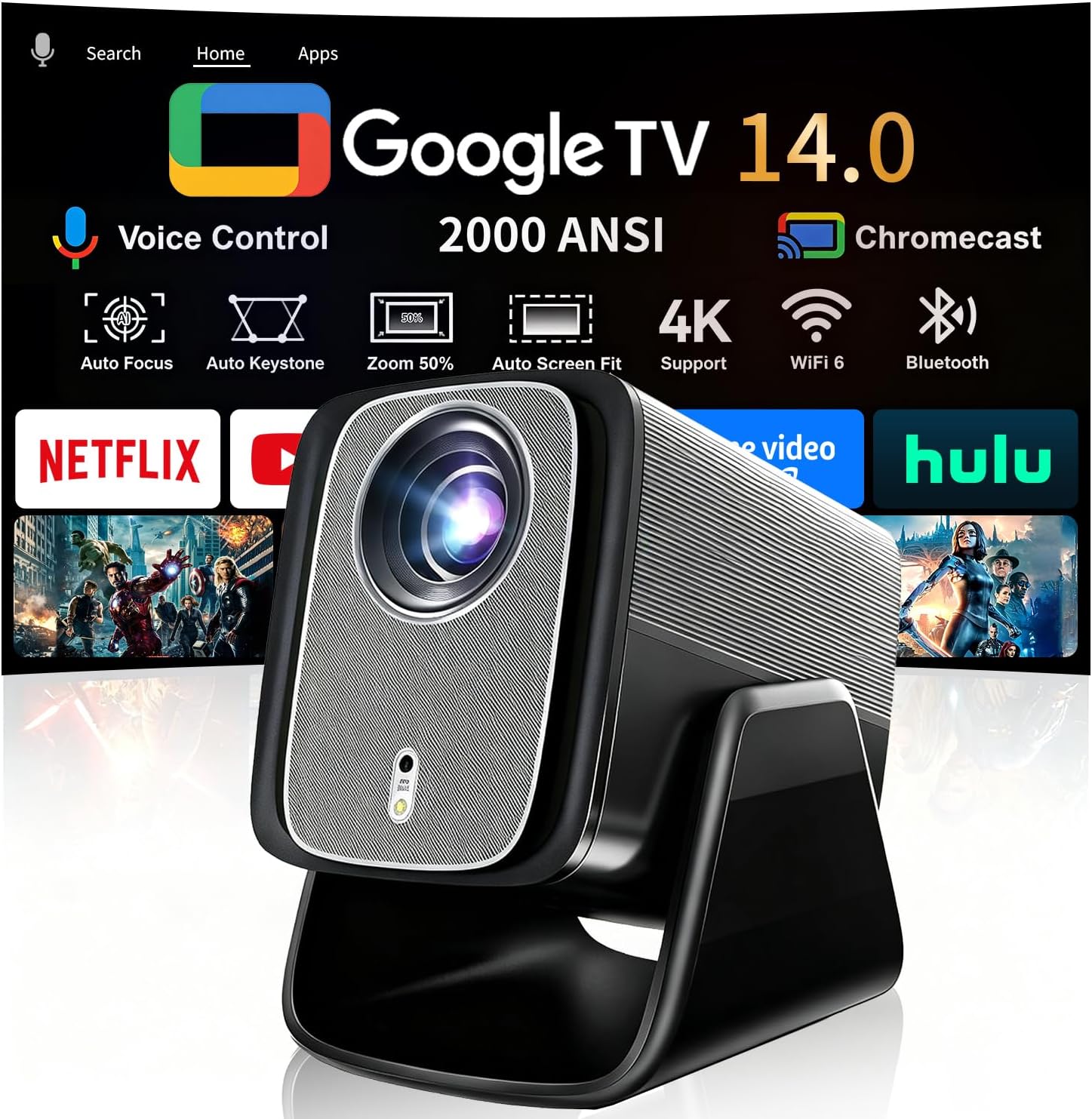
Google TV-Licensed Smart Projector, 2000 ANSI, X5 Pro
Only projector here that states ANSI lumens, Google TV built in, 2000 ANSI is enough for a dim living room
Native 1080p chip, so a 200 inch image goes soft; 4K and 8K are input support, not resolution

XGIMI HORIZON 1080p FHD Projector
Harman Kardon speakers, Android TV 10.0, auto object avoidance, the best image for a controlled dark room
1500 ISO lumens is not an ANSI figure, so it is not directly comparable to the rest of this list
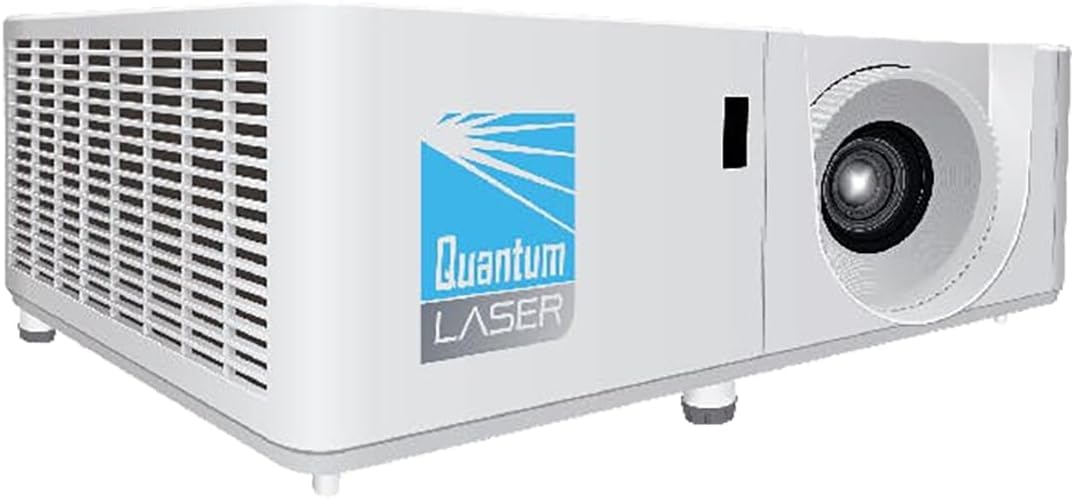
InFocus Core Series INL144 XGA Laser Projector
Laser light source with no lamp to replace, XGA is sharp enough for slides and signage
XGA is 1024x768 in 4:3, so widescreen movies letterbox and lose pixels
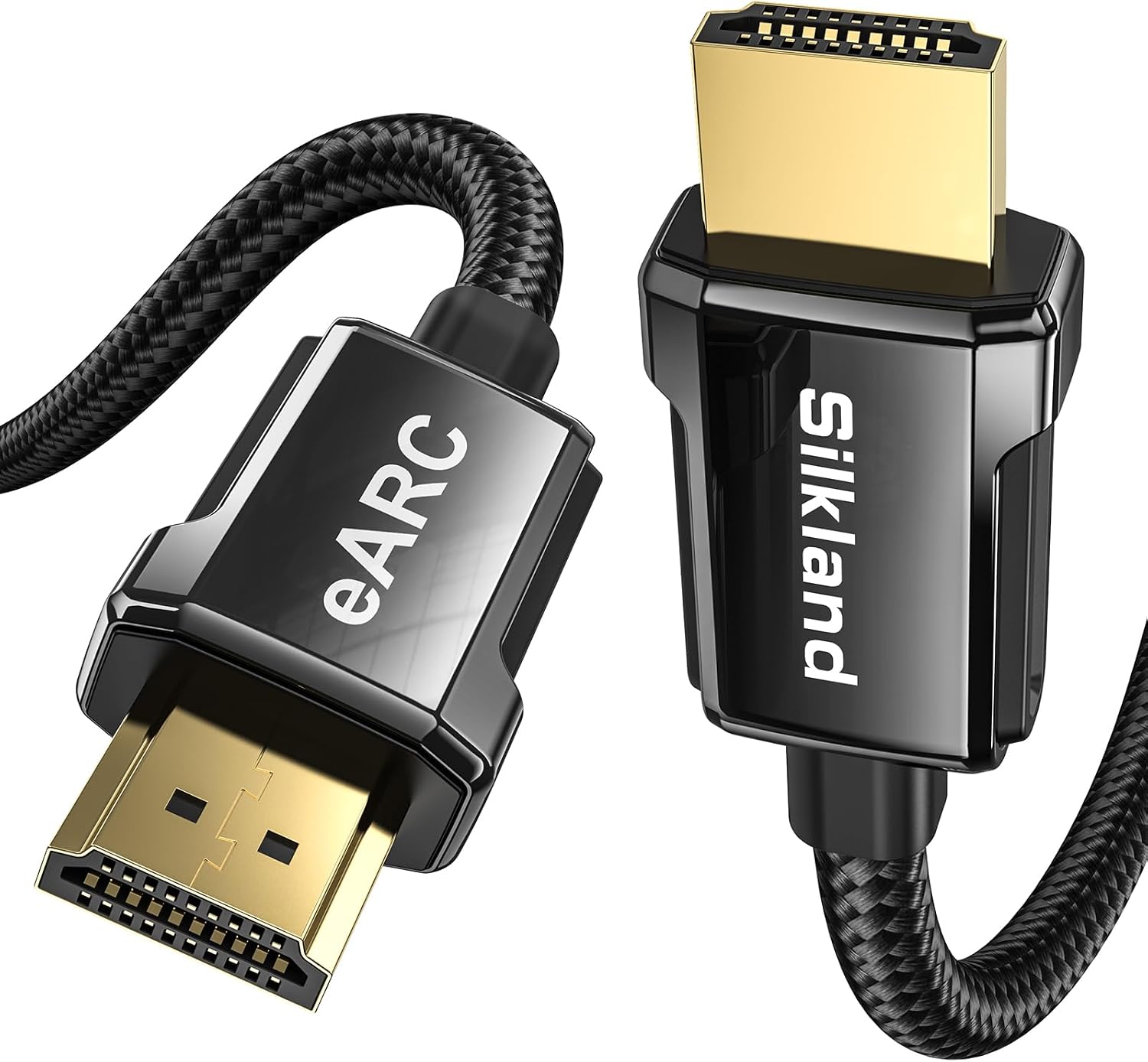
Silkland 8K HDMI ARC/eARC Cable 2.1, 6.6ft
HDMI 2.1 with ARC and eARC, 8K@60Hz and 4K@120Hz headroom, cheap insurance for soundbar audio
6.6ft is short for a ceiling run, and you cannot fix a cable that is too short
Prices and availability were captured from Amazon Creators API and may change.
How I judge a projector before it goes on a ceiling
A projector is not a box, it is a room. When a client sends me a shortlist, I ignore the marketing panel on the product page and look for four things.
Brightness, stated in ANSI lumens. ANSI lumens are measured on a standardized nine-point grid against a full white field. ISO lumens are a related but different standard, close enough to compare loosely and not close enough to compare directly. A brand that quotes neither is quietly telling you the number is not flattering. When a listing puts "2000 ANSI lumens" in the product name, that is a claim I can hold them to. When it says "bright and vivid," I move on.
Resolution, meaning the actual chip. Native 1080p is 1080p. "4K and 8K input support" means the projector accepts a higher-resolution signal and scales it to its panel. That is a real feature and it is not a lie, but it is not a 4K panel, and the difference shows up the second you throw a 100 inch image.
The lens. A zoom ring and vertical shift let you mount the projector where the ceiling allows instead of where the throw ratio demands. Digital keystone correction is a rescue tool, not a plan, because it costs you pixels every time it bends the image back into a rectangle.
Fan noise at full power. I have sat through movies where the projector was louder than the dialogue in the quiet scenes. You cannot fix that with a setting. You can only buy around it.
The smart projector: 2000 ANSI lumens and Google TV inside
This is the one I would put in a normal living room. The 2000 ANSI figure is the headline, and it is the honest kind of number, because ANSI is the standard that measures light on the screen rather than light leaving the lens. In a room with the curtains closed and the lights off, that is enough for a bright, punchy image at 100 to 120 inches without washing out.
The rest of the spec sheet is built for people who do not want to build a theater. Google TV is licensed and built in, so Netflix, YouTube, and the rest run on the projector itself with no streaming stick and no second remote. Dual 36W Dolby speakers mean it is genuinely watchable without a soundbar for casual nights. Auto focus and auto keystone mean you set it down and it squares itself up, and the 90 degree stand lets you aim it at the ceiling, which is a real feature in a bedroom or a small apartment where a screen is not happening. The 125% sRGB coverage and HDR10 support are worth noting for color, and the rated 200 inch display size is the part I would ignore.
That is the trade-off. The panel is native 1080p, so 4K and 8K are inputs, not output. At 200 inches, 1080p works out to roughly eleven pixels per inch, and you will see it. Keep this projector at 100 to 120 inches and it looks sharp. Stretch it to the maximum and you are watching a soft image on a very big wall. And 2000 ANSI does not survive a sunny afternoon. No projector at this price does.
The XGIMI HORIZON and the ISO lumen question
The HORIZON is the projector I would pick for a dark room where image quality matters more than convenience. Harman Kardon speakers are a genuine step up for built-in audio, Android TV 10.0 handles apps without a stick, and the auto object avoidance feature will dodge a wall outlet or a light switch when it sizes the image, which sounds like a gimmick until you live with a wall that has obstacles on it. Auto focus and auto keystone correction are both here as well.
The catch is the brightness rating. The listing says 1500 ISO lumens. ISO and ANSI are different measurement standards, and 1500 ISO is not the same thing as 1500 ANSI. That does not make the number dishonest, it makes it hard to line up against the 2000 ANSI figure on the smart projector above. If brightness is your deciding factor, compare it in a store or in your own room rather than on paper.
The other thing to know is that the Android TV build is version 10.0. That is an older release. It works, apps still install, but check the listing for how updates are handled before you commit, because a smart projector is only as smart as the platform it can still run. Like the smart projector, this is a 1080p FHD panel with 4K support, so treat it as a 1080p machine that accepts a 4K signal.
The InFocus INL144 is a laser, but it is not a movie projector
The INL144 is the odd one in this group, and that is the point. XGA resolution is 1024x768 in a 4:3 aspect ratio. That is a business and classroom format, not a cinema format, and no amount of laser light changes it.
What the laser light source does change is maintenance. There is no lamp to replace, so the projector is built for the kind of install where nobody wants to climb a ladder every couple of years: a conference room, a classroom, a menu board, a church hall, a signage wall, a retro gaming setup where you actually want a 4:3 image. In those roles it is the right tool.
For movies it is the wrong tool. Widescreen content letterboxes into a 4:3 frame, which means black bars and fewer pixels doing the work. There is no streaming platform built in, so you are adding a source. And it is priced like a commercial product, because it is one. If your plan is movie night, this is not the projector you want.
The cable that quietly decides your audio
The Silkland cable is the one item here that is not a projector, and it is the one I would buy regardless of which projector you pick. It is an HDMI 2.1 cable with ARC and eARC support at 6.6ft, rated for 8K@60Hz and 4K@120Hz. The eARC part is what matters for a projector setup, because it is the channel that carries audio back from the projector to a soundbar or receiver without a second cable run. If you are feeding a console at 4K120, the bandwidth headroom matters too.
The trade-off is length. 6.6ft is a short run. A projector on a ceiling, cabled down a wall to a soundbar, usually needs more than that, so measure before you order. Do not solve a short cable by buying a cheap long one. Buy the right length of a certified cable, because HDMI problems at 4K120 are almost always cable problems and they are miserable to diagnose.
What actually matters if your room has windows
None of this beats room control. I say that as someone who sells projectors for a living. A $500 projector in a blacked-out room will out-perform a $2,000 projector next to an uncovered window, and it is not close.
If your room has light you cannot kill, spend your money in this order: blackout curtains first, an ambient light rejecting screen second, a brighter projector third. If you are renting and cannot hang curtains, a projector with an ANSI brightness figure and a screen that rejects light is the only combination that will look acceptable at 2pm. Contrast ratio numbers on a spec sheet are marketing. Real contrast is what you see in your room, on your wall, at the hour you actually watch.
What I would buy, and why
For a living room that gets used all day and evening, the 2000 ANSI lumen Google TV-licensed smart projector is the pick, because it does the streaming, the sound, and the setup without extra hardware, and it states its brightness in the standard that means something. Pair it with the Silkland cable if you are running audio to a soundbar, and keep the image at 120 inches or less.
For a dark, controlled room where you care most about how it looks, the XGIMI HORIZON is the better answer, with the caveat that 1500 ISO lumens is a different unit than ANSI and you should not assume it is brighter than it is.
For a classroom, an office, or a signage wall, the InFocus INL144 is a laser workhorse with no lamp to swap, and it will outlast everything else here. It just will not make you want to rewatch a movie you have seen ten times.
That is the whole test, honestly. The right projector is the one that makes you rewatch something. Pick the one that fits the room you actually have, not the room in the product photos.