I have hung projectors in blacked-out basements and in living rooms where the afternoon sun treats the screen like a suggestion. Fifteen years of that teaches you one thing: the room decides more than the spec sheet does. So when four boxes landed on my bench this month, I did what I always do. I read what the brands actually published, I ran the throw math for each one, and I asked the only question that matters. Would I sit through a two-hour movie with this thing running? This budget 4K vs short throw projector comparison is the result, and it covers three very different light engines plus one tool that never leaves my install bag.
Related: Projector Throw Ratio Explained
For most rooms, the short throw Optoma GT1080HDR is the one I would install first, the ViewSonic LSD400W is what I would spec for a permanent ceiling install that runs daily, and the budget 4K is a dark-room gamble rather than a living room solution.
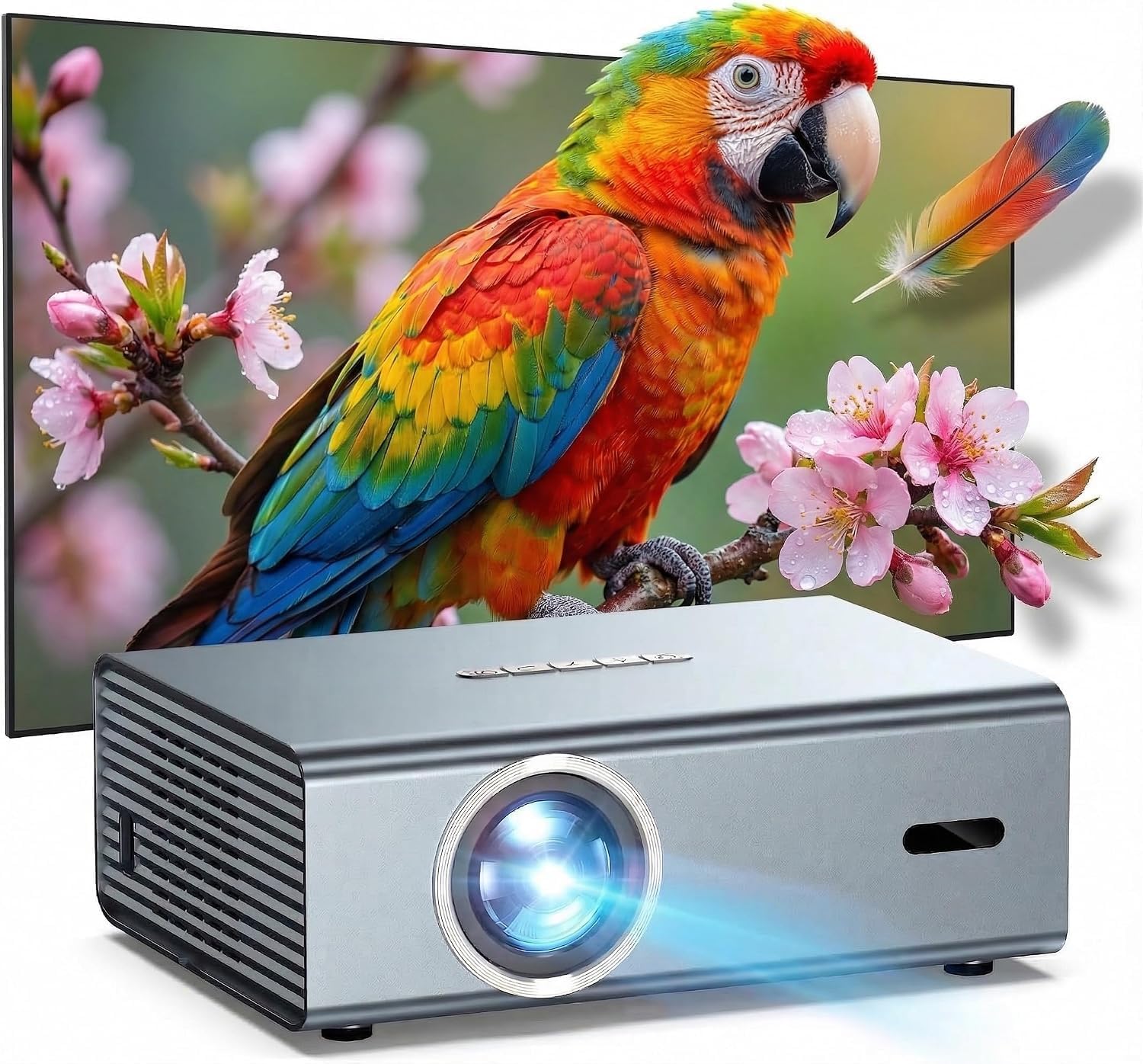
4K Projector with WiFi Bluetooth, Auto Focus, Keystone
Wireless streaming, auto focus, and auto keystone in one box, which makes a bedroom setup nearly ladder-free
No ANSI lumens published anywhere, so brightness is an unknown, and contrast is usually the first casualty at this tier
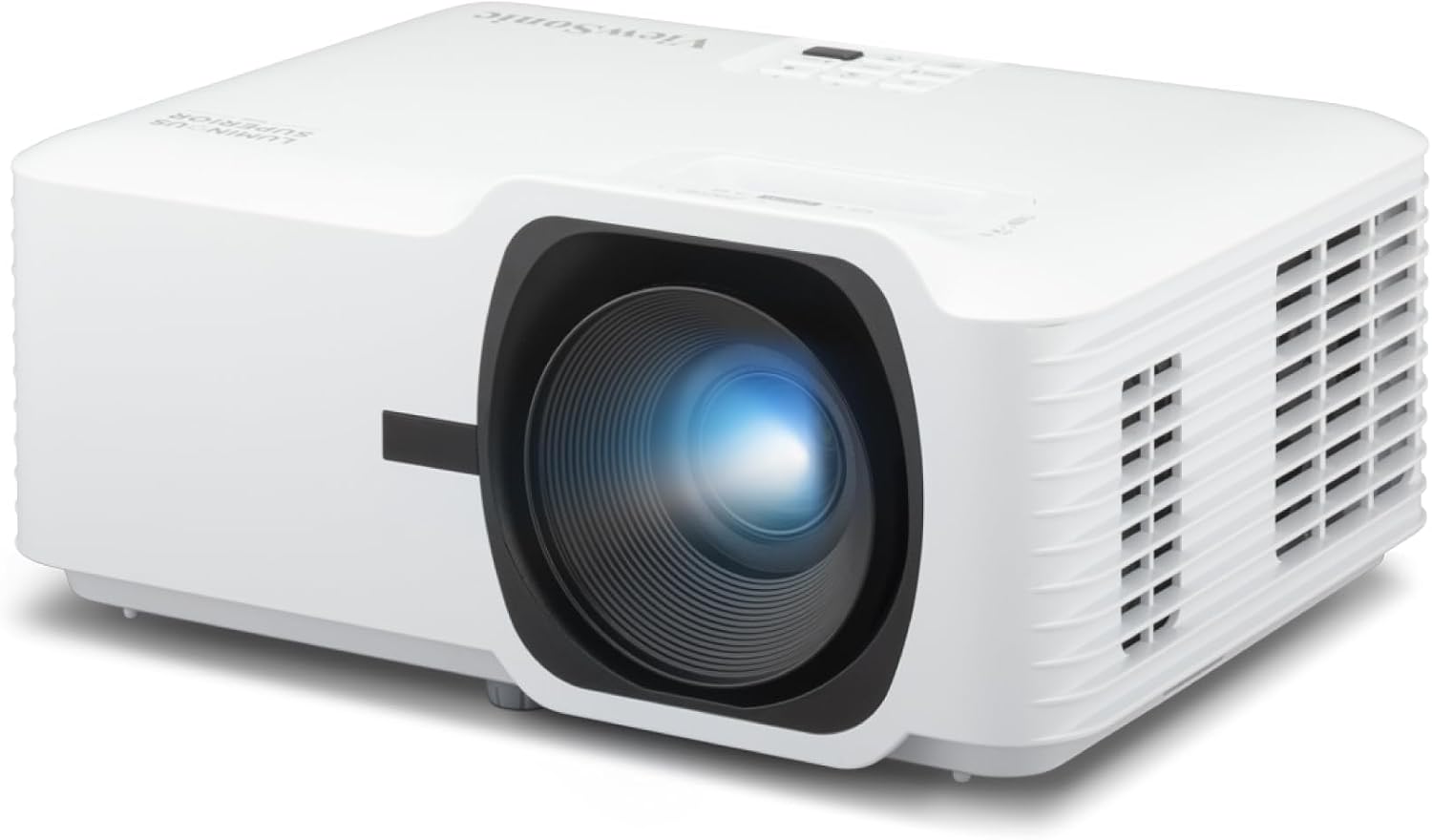
ViewSonic LSD400W WXGA 4000 Lumens Laser Installation Projector, Dual HDMI
Laser light source, 4,000 lumens, and dual HDMI, built to hang from a ceiling and get switched on every day for years
WXGA is not 1080p, so you are buying brightness and longevity instead of fine detail
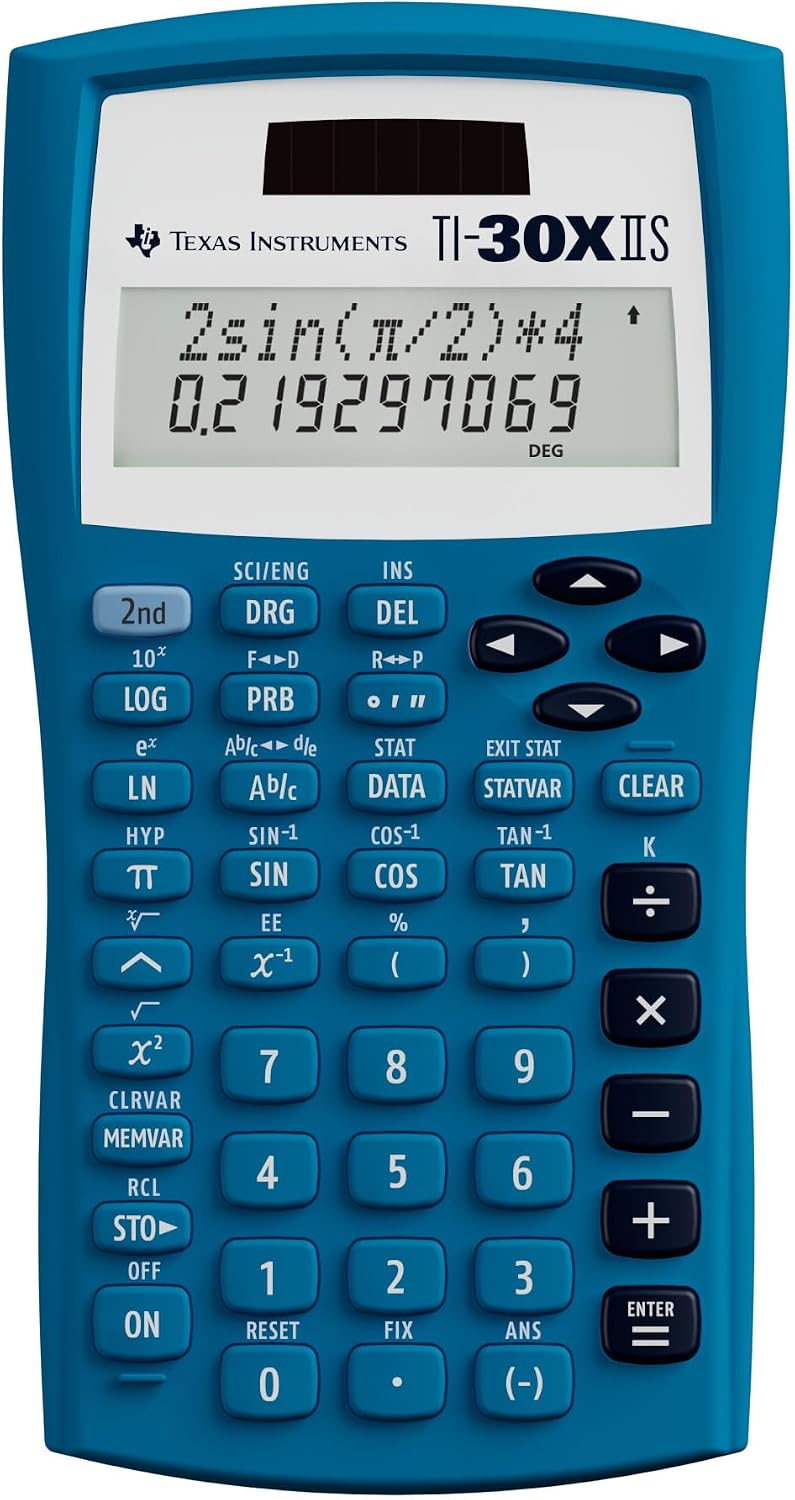
Texas Instruments TI-30XIIS Scientific Calculator, Blue
Throw ratio, screen height, and lamp hour math without opening a phone app with dirty hands
It is a calculator. It will not put a picture on your wall, and it never will
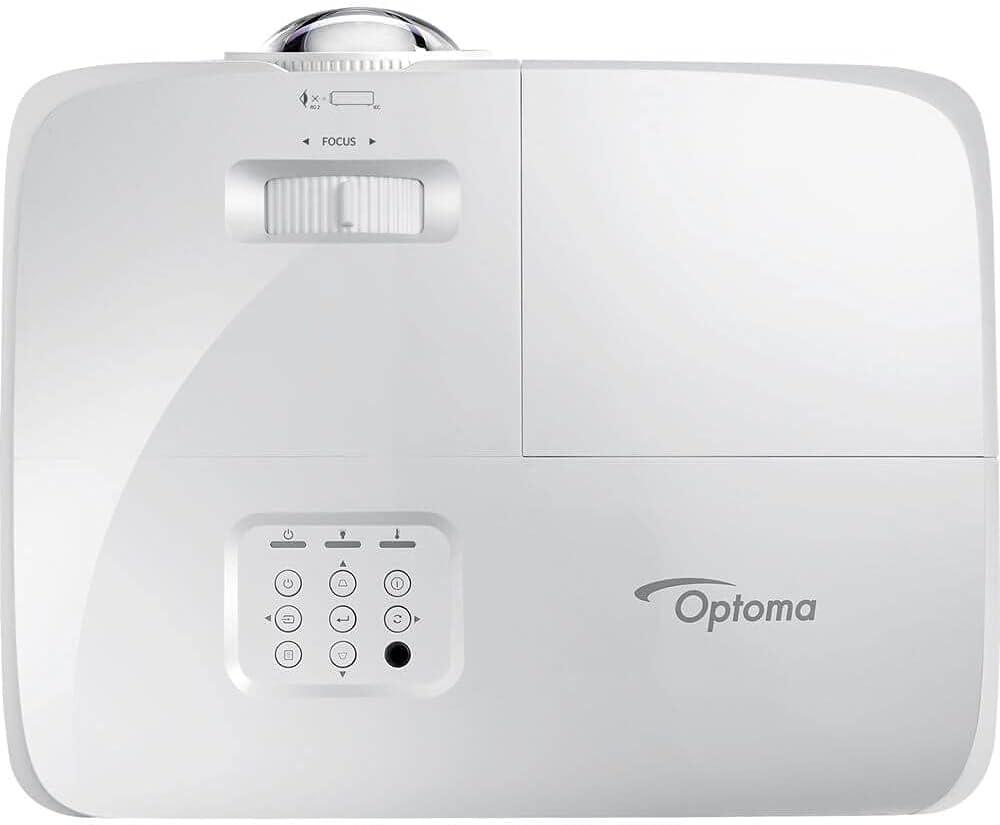
Optoma GT1080HDR Full HD 1080p Short Throw Projector, 3,800 Lumens, 4K HDR Compatible, Low Input Lag Gaming, Home Entertainment and Golf Simulator Ready
3,800 lumens, a short throw lens that fills a wall from a shelf, and low input lag for gaming and golf sims
1080p native, not 4K, and HDR is compatibility rather than a full HDR pipeline
Prices and availability were captured from Amazon Creators API and may change.
What these four items have in common
Three of these four are light engines. One is a math tool. That sounds like a mismatch until you remember how every install actually starts. Before I drill a single hole, I need two numbers: how far back the projector has to sit, and how tall the image will be at that distance. That is throw ratio math, and it is the step most people skip before they order a screen they cannot fill and a mount they cannot reach.
The other thing they share is that none of them are sold on the spec that matters most to me. Brightness is the only number that survives a room with windows. Contrast marketing is fiction. Resolution claims need the actual chip checked. So I went through each listing and sorted what is published, what is implied, and what is missing entirely.
The budget 4K: a dark-room projector wearing a lifestyle label
The listing for the 4K Projector with WiFi Bluetooth, Auto Focus, Keystone leads with the features that sell in a bedroom or a dorm: wireless streaming, Bluetooth audio, auto focus, auto keystone. Those are real conveniences. Auto focus means you are not standing on a chair with a hex key trying to find the sweet spot, and auto keystone means the image squares up without a ladder. Wireless streaming means one power cable to the wall instead of an HDMI run you have to hide.
What the listing does not lead with is ANSI lumens, and that is the number I care about. When a brand publishes a brightness figure without the ANSI qualifier, treat it as marketing until proven otherwise. I have no measurement for this one, so I will not pretend to. What I can tell you is what that gap usually means in practice. In a blacked-out room, a projector at this tier can look genuinely good on a 90 to 100 inch image. In a room with a lamp on, or a window with the blinds half open, it turns into a gray fog with a picture somewhere inside it.
The other honest caveat is contrast and fan noise. Budget light engines trade those away first, and neither shows up on a spec sheet in a way you can compare. If your plan is a dedicated dark bedroom and you want built-in streaming, this is the cheapest way into a 4K-capable picture. If your plan is a living room with daylight, this is not the projector you want, and no setting in the menu will fix that.
The short throw pick: Optoma GT1080HDR
This is the one I would hang in most homes, and the reason is the lens, not the resolution. The Optoma GT1080HDR is a short throw design, which means it fills a big image from a short distance. In a small room, or a room where people walk between the couch and the screen, that changes everything. You mount it on a shelf or a low stand near the wall, and nobody casts a shadow on the picture when they get up for popcorn.
Optoma quotes 3,800 lumens here, which is a real number in a class where a lot of listings hide theirs. Lumens are a promise and ANSI lumens are a fact, so I would still verify it in your own room before you decide the room treatment does not matter. But 3,800 is enough headroom that a projector like this can survive a little ambient light, which the budget 4K cannot promise.
The 1080p native resolution is the trade-off. At 100 inches from a normal seating distance, 1080p is sharp enough that most people stop noticing pixels within a week. What you give up against a true 4K chip is fine detail in wide shots, and that is a real difference on a 120 inch screen at nine feet. The 4K HDR compatible line means it accepts a 4K HDR signal and tone maps it down, so you get the convenience of one cable from a 4K player without the full benefit of the format.
Where this projector earns its keep is gaming and golf sims. Low input lag is a spec you can feel immediately, and it is the difference between a menu that responds and a menu that argues with you. Short throw plus low lag is also exactly what a basement golf bay needs, since the projector sits close and the ball does not care about your throw distance. If your room is small and your priorities are gaming nights and movie nights, this is the pick.
The laser install pick: ViewSonic LSD400W
The ViewSonic LSD400W is a different animal. It is an installation projector with a laser light source, 4,000 lumens, and dual HDMI inputs. Laser changes the ownership math completely. There is no lamp to replace, no dimming curve to watch over a few thousand hours, and no service call in year three. A lamp projector measured in thousands of hours against a laser measured in tens of thousands is not a close comparison if the projector is going to run every day.
Dual HDMI matters more than people expect in a permanent install. You can leave a media player on one input and a laptop or a game console on the other and never crawl behind the rack to swap a cable. This is the projector I would spec for a multipurpose room, a sports bar, a classroom, or a church hall, anywhere the projector is infrastructure rather than a toy.
The catch is WXGA. That is not 1080p, and it is not 4K. On a spreadsheet or a ballgame, you will not care. On a 110 inch movie screen, you will notice the softer detail, and the wider 16:10 shape means you are letterboxing or living with a slightly different image shape than a 16:9 screen expects. Buy this one for brightness, laser life, and inputs. Do not buy it expecting reference-grade movie detail, because the resolution is not there.
The calculator that earns its place
The Texas Instruments TI-30XIIS Scientific Calculator is the odd entry here, and it is also the one I use on every single job. Throw ratio is simple arithmetic that people get wrong constantly. A projector with a 1.2 throw ratio needs 1.2 feet of distance for every foot of image width. If you want an 8.3 foot wide image, that projector has to sit 10 feet from the screen. Get that wrong by two feet and you either cannot fill your screen or you are shopping for a new mount.
Screen height is the same kind of math. On a 16:9 screen, height is width divided by 1.78, so that 8.3 foot wide image is about 4.7 feet tall, which tells you exactly where the top of the screen lands on your wall relative to your seated eye line. Then there is lamp hour math, which is the argument for laser in one line: a few thousand hours against tens of thousands, divided by how many hours a week you actually watch.
Could you do all of this in a phone app? Sure. But the calculator is the thing that survives being dropped on a concrete floor, and it does not need a signal in a basement. It is also the tool I hand to a client when they ask why the projector cannot just go anywhere on the ceiling. Five minutes with real numbers ends that conversation faster than any showroom demo.
How I would choose between them
Start with the room, not the projector. If the room has windows you cannot cover, the conversation begins and ends with brightness, and the laser ViewSonic at 4,000 lumens is the only one here that is built for that fight. If the room is dark and the run is permanent, the laser still wins on ownership cost, because you are never buying a lamp again.
If the room is small, if people walk in front of the screen, or if gaming and golf sims are on the list, the short throw Optoma is the answer. Low input lag plus a lens that fills the wall from a shelf solves problems that resolution cannot. It is 1080p, and I would take a bright, responsive 1080p short throw over a dim 4K long throw in a small room every single time.
If the room is a dark bedroom and the priority is a built-in streaming interface with the fewest possible cables, the budget 4K is the value play. Just go in knowing what you are buying. No published ANSI lumens means unknown brightness, and unknown brightness means the room has to be dark. That is not a knock on the projector. It is a description of the deal.
The calculator is not optional, no matter which of the three you pick. Measure your throw distance, calculate your screen height, and check your lamp or laser hours before you order anything. Ten minutes of arithmetic is cheaper than a wrong mount, a wrong screen, and a projector that sits in a closet because it never looked right.
The verdict
Three projectors, three jobs. The Optoma GT1080HDR is the one I would install for most people, because short throw and low input lag solve real room problems, and 3,800 lumens gives it a fighting chance outside a cave. The ViewSonic LSD400W is the professional's pick for a permanent install that has to run daily, as long as you accept WXGA detail as the price of laser life. The budget 4K is the dark-room bargain, and it is a genuinely good deal in that one specific room. Pair any of them with the TI-30XIIS and you will avoid the mistake I see most often, which is a beautiful projector aimed at a screen nobody measured.