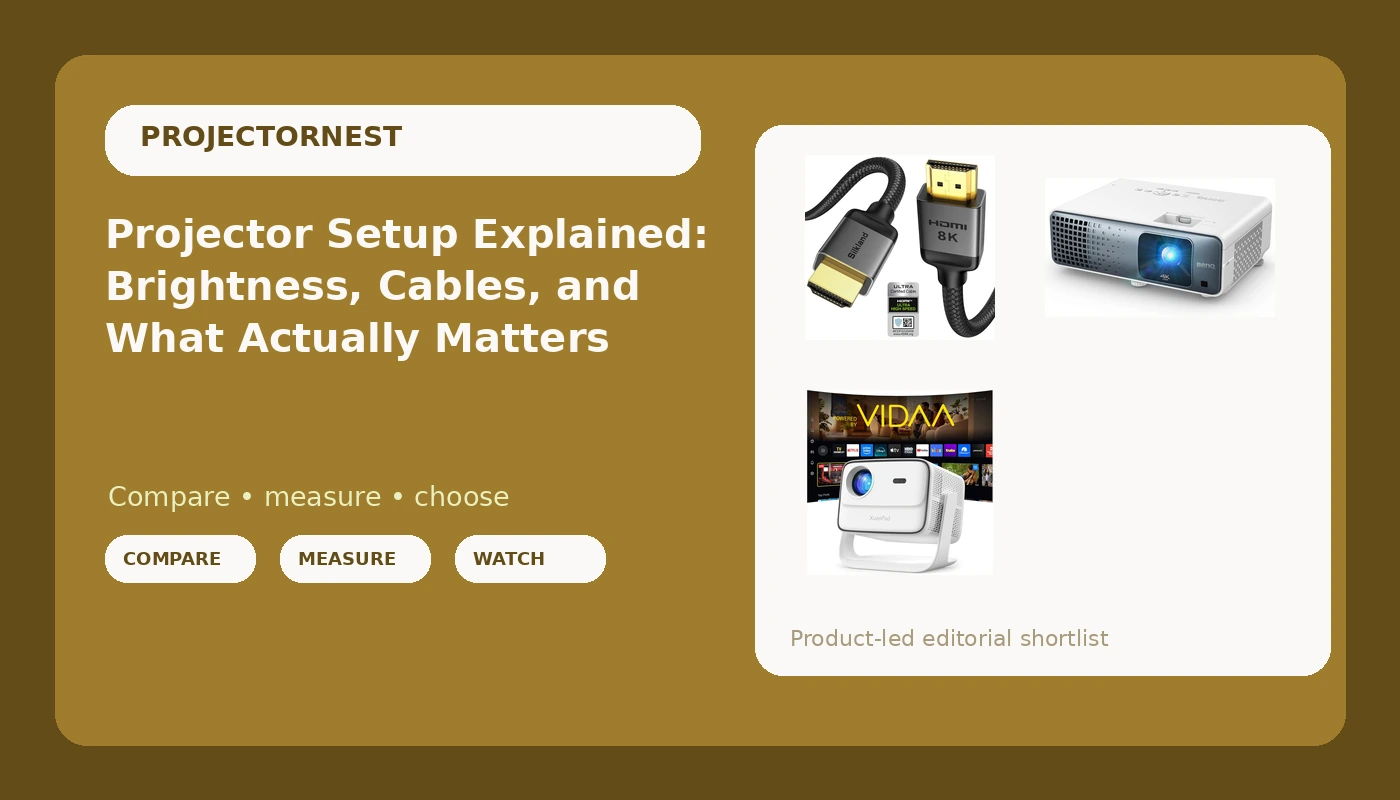
Most projector purchases fail for a boring reason: people compare spec sheets instead of rooms. A useful 4K projector buying guide starts with the light in your space and works backward to the hardware. Resolution is the easiest number to print and one of the least likely to change whether you enjoy a movie. Brightness measured honestly, the distance between the lens and the screen, and the single cable carrying audio back out of the projector decide far more. This explainer covers four pieces of that chain: two projectors built for very different rooms, one aimed at people who can genuinely black out a space, and the inexpensive cable that keeps modern audio and high frame rates from turning into a headache.
Related: How to Choose a Projector Screen Size for a Real Room →
Quick answer
Start with the room, not the projector. If you cannot control the light, prioritize brightness and make sure the listing states that brightness in ANSI lumens rather than a vague lumen figure, then add auto focus and keystone so you are not climbing a ladder every time someone bumps the table. If you can control the light, put the budget into a laser 4K unit with real HDR support, because contrast and color will matter more to you than raw output. Whatever you buy, plan on a certified Ultra High Speed HDMI cable with eARC if you want audio reaching a soundbar or receiver through one connection.
Four useful options
| Model | Best fit | What stands out |
|---|---|---|
| XuanPad 4K Smart Projector (VIDAA Live TV, 6000 ANSI) | Living rooms and outdoor nights where light is hard to control | Listing states 6000 ANSI lumens, built-in VIDAA live TV and Netflix, 42W Dolby audio, auto focus and auto keystone |
| Aurzen EAZZE D1 Smart Portable Outdoor Projector | Backyard and patio movie nights on a tight budget | Compact portable body with WiFi and Bluetooth streaming built in, no separate streaming stick required |
| BenQ TK710 4K HDR Laser Projector | Dedicated dark rooms mixing movies and gaming | 4K HDR with a laser light source rated at 3200 lumens, positioned for movie and gaming duty |
| Silkland Certified HDMI 2.1 eARC/ARC Cable, 3.3 ft | Feeding audio out of the projector to a soundbar or receiver | Certified Ultra High Speed at 48Gbps with eARC/ARC support in a short 3.3 ft run |
The bright-room pick: XuanPad 4K Smart Projector
The 6000 ANSI figure is the part worth pausing on, and not because it is suspicious by default. ANSI lumens is a standardized measurement, so it is a specific, checkable kind of claim rather than a marketing adjective. It is also a very large number for a portable smart projector, which means the honest move is to treat it as the manufacturer's stated specification and verify it against real owner reports before you commit. If it holds up even close to that, this is a projector that can survive a living room with blinds that do not fully close, which is the situation most people actually live in. The trade-off is that an all-in-one portable chassis asks you to accept its built-in processing, its built-in speakers, and its built-in streaming platform instead of choosing your own.
The budget outdoor pick: Aurzen EAZZE D1
Outdoor viewing is the one scenario where a lower-brightness projector can still be genuinely satisfying, because after full dark you have the best light control money cannot buy. That is the honest case for a portable like this: it is not competing with a laser home theater unit, it is competing with not having a big screen outside at all. The constraints to plan around are the ones every portable shares. You need a flat, bright surface or a proper outdoor screen, a table or stand at the right height, and a way to get audio where you want it, which is where Bluetooth earns its place. Ambient light from porch lights, string lights, and even a bright phone screen will visibly wash out the image, so treat the dark as part of the equipment list.
The dedicated theater pick: BenQ TK710
Notice that this listing quotes 3200 lumens, not 3200 ANSI lumens, and that distinction is exactly the kind of thing to read carefully rather than skip past. It does not make the projector dim, and a laser 4K unit in a controlled room is a fundamentally different experience from a portable in a bright one. It just means you should compare brightness numbers only when both are stated the same way. What a laser light source buys you beyond output is consistency: no lamp to replace, steadier brightness over years of use, and typically faster on and off. The trade-off runs the other direction from the XuanPad. You are paying for picture quality and getting a projector that expects a dark room, a real screen, and probably an external audio system to do its best work.
The connection upgrade: Silkland HDMI 2.1 eARC cable
This is the least exciting item in the group and the one most likely to cause a mystery problem. eARC is how a projector sends audio back down the same cable to a soundbar or receiver, which means one connection instead of an optical cable plus a separate video run. The 48Gbps rating is what carries 4K at high frame rates with HDR intact, which matters more if you game on the projector than if you only watch films. Certification matters here because HDMI cable marketing is full of vague claims, and an uncertified cable that fails at 4K120 will look identical on the shelf. The catch is length: 3.3 ft is a short run, so buy it for a projector near its source or a soundbar sitting under the screen, not for a cable fished through a ceiling.
Prices and availability may change. Product images, names, and retailer links are matched to verified listings. No current price, rating, stock status, or measured result is stated here without current evidence.
Why ANSI lumens and plain lumens are not the same number
Brightness is the specification people compare first and understand least. ANSI lumens is a standardized measurement taken across a grid of points on the projected image, which is why it is the number worth trusting when a manufacturer publishes it. "Lumens," "LED lumens," "light source lumens," and similar phrasing are not standardized in the same way, so they can describe output measured under conditions the brand chose. Neither label is automatically a lie. They simply are not interchangeable, and comparing a 6000 ANSI figure against a 3200 lumen figure tells you almost nothing about which image will look brighter on your wall.
Two more things quietly change your real-world brightness. First, the same light spread across a bigger image is dimmer per square foot, so a projector that looks punchy at 80 inches will look noticeably softer at 120. Second, ambient light adds to the image rather than competing with it, which is why a bright room can make even a strong projector look flat and gray. That is the whole argument for room control: it is cheaper than lumens.
What your room does to the picture
Contrast and color are where a dark room pays off, because black level is set by how much stray light reaches the screen, not by a marketing ratio on a box. A screen helps too. A white screen with modest gain reflects everything including the room's light, while a gray or ambient-light-rejecting surface trades some peak brightness for deeper blacks. If your walls are white and your ceiling is white, light bounces back onto the screen and undoes a lot of your work.
Placement is the other half. Throw ratio tells you how far the projector must sit for a given image size, and it is the number that decides whether a projector fits your room at all. Optical zoom and lens shift let you move the image without degrading it, while digital keystone correction reshapes the picture by discarding pixels. Use keystone to fine-tune, not to rescue a projector mounted in the wrong place. And listen before you buy if you can, because fan noise at full power is the specification nobody publishes and everybody notices during quiet dialogue.
- Measure the distance from your intended mount to the screen, then divide by the throw ratio to find your image size before you buy anything.
- Decide where audio goes first, because a soundbar or receiver changes whether you need eARC and how long your cable run must be.
- Check the room at several times of day and note which windows, lamps, and reflections you cannot eliminate.
- Pick screen size from your seating distance, not from how much blank wall you have.
- Plan the mount and the cable path together, and leave slack at both ends so you can adjust the image later.
Setting it up without wrecking the picture
- Kill light at the source with blackout curtains or blinds before you spend money on more brightness.
- Keep the projector out of your seated line of sight, and keep its front vents clear so heat does not build up.
- Use keystone correction sparingly and rely on physical placement and lens shift wherever the projector offers it.
- Run the HDMI cable before the projector goes on the mount, and test the full chain before anything is permanently attached.
- Watch a full movie in the dark and then again in daylight, and judge the setup on the second viewing as much as the first.
Which option should you choose?
Choose the XuanPad 4K Smart Projector when the room is a living space with light you cannot fully control and you want streaming, sound, and setup handled by one box. Choose the Aurzen EAZZE D1 Smart Portable Outdoor Projector when you want a big picture on the patio after dark and portability matters more than peak brightness. Choose the BenQ TK710 4K HDR Laser Projector when you have a room you can darken and you care about 4K HDR, laser life, and gaming performance. Choose the Silkland Certified HDMI 2.1 eARC/ARC Cable when you need a certified short run that carries high bandwidth video one way and audio the other.
Every brightness figure in this article is a manufacturer-stated specification, not a measurement taken here, and stated units differ between models. Treat listed numbers as a starting point, check current owner reports for the specific model you are considering, and let your own room be the final judge.
The bottom line
The projector matters less than the room it lands in, and the order of operations reflects that. Control the light first, then choose a brightness and light source that fit the conditions you actually have, then handle placement and audio with the same attention you gave the spec sheet. A portable smart projector earns its place in a flexible living space or a backyard, a laser 4K unit earns its place in a room you can darken, and a certified eARC cable earns its place in every one of those setups by keeping the audio and the high frame rate video from becoming the thing that does not work.