Most projector problems are not projector problems. They are setup problems. Someone buys a bright, well-reviewed unit, sets it on a coffee table, aims it at a bare wall, and ends up with an image that is soft at the corners, gray at noon, and slightly trapezoidal no matter how many times the thing gets nudged. The hardware was fine. The projector setup gear around it was not.
This guide covers six pieces that together make a complete install: two projectors with very different jobs, two ceiling mounts at opposite ends of the price range, a screen, and one small tool that keeps you from doing geometry in your head in a dark room. After enough installs, the order of operations stops being a debate. Room control first, screen second, mount third, projector fourth. Get those right and a mid-priced projector will beat a premium one that is fighting a white wall and an uncovered window.
Related: How to Calculate Throw Distance Before You Buy a Projector
Quick answer
The Native 1080P Smart Video Projector X7 is the strongest fit for a first complete setup because it puts a native 1080p panel, 4K and 8K input support, Android 14, auto focus, and auto keystone in a single box, and its listing claims 2000 ANSI lumens of daylight-visible brightness. Choose the ONOAYO Outdoor Projector instead when the plan is backyard movies and you would rather not run separate speakers.
Projector setup gear worth comparing
The six items below cover the parts of an install that people order last and regret first. They range from the light engine itself to the bracket that holds it to the ceiling and the screen it lands on.
![[2000 ANSI Daylight Visible] Native 1080P Smart Video Projector 4K 8K Input, Android 14 Projecteur Portatif with HiFi Sound, Auto Focus & Keystone, WiFi Bluetooth Home Theater for iPhone/Netflix X7](/images/products/B0GVDRLLWQ.jpg)
[2000 ANSI Daylight Visible] Native 1080P Smart Video Projector 4K 8K Input, Android 14 Projecteur Portatif with HiFi Sound, Auto Focus & Keystone, WiFi Bluetooth Home Theater for iPhone/Netflix X7
Check current Amazon price
A native 1080p smart projector that accepts 4K and 8K input, runs Android 14, and lists 2000 ANSI lumens of daylight-visible brightness. Auto focus and auto keystone handle the setup math, and WiFi plus Bluetooth cover streaming and sound. The ANSI figure is the brand's own claim, and it is the number worth holding them to.
Visit on Amazon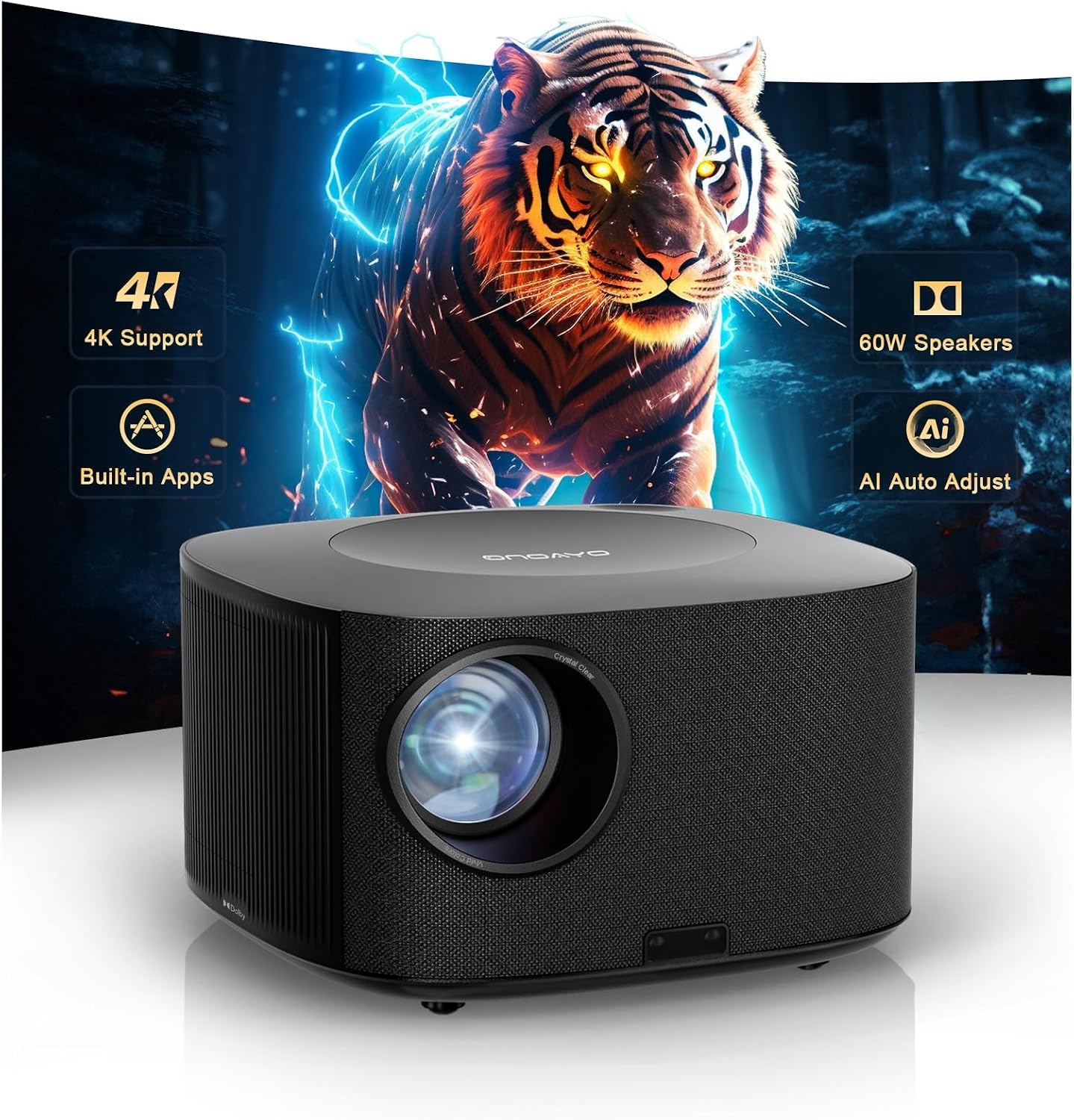
ONOAYO Outdoor-Projector-4K with 60W Dolby Audio and Official Licensed Apps
An outdoor-oriented 4K projector built around a 60W Dolby Audio system and officially licensed apps. The combination of on-board sound and licensed streaming means a backyard night does not require a receiver, a speaker run, or a laptop tethered to the unit.
Visit on Amazon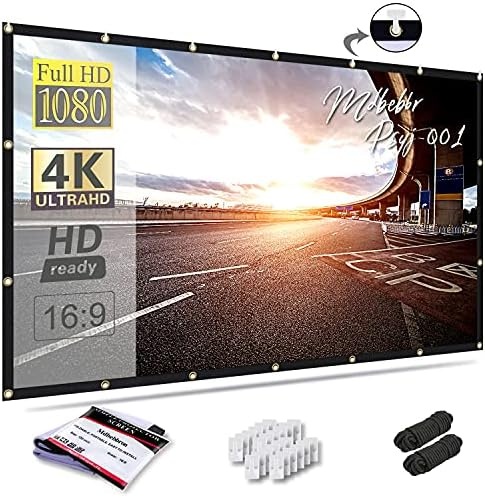
Mdbebbron 120 inch Projector Screen 16:9 Foldable Anti-Crease Portable Projector Movies Screens for Home Theater Outdoor Indoor Support Double Sided Projection
A 120-inch 16:9 foldable screen with an anti-crease surface and support for double-sided projection. It packs down for storage or travel, which suits renters, backyard setups, and anyone who does not want a fixed frame living on the wall year round.
Visit on Amazon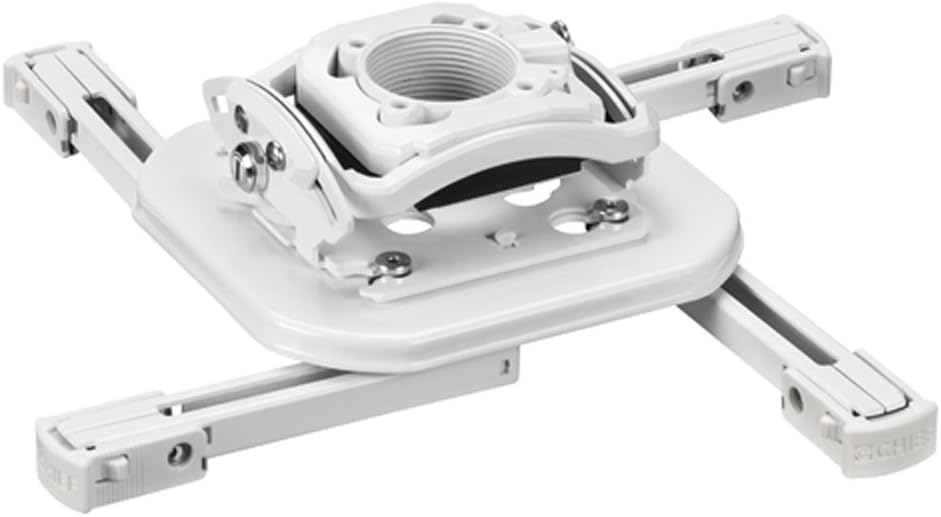
Chief RSMBUW Rpa Mini Elite Universal Projector Mount Lock B White
A universal mini projector mount with a locking mechanism and a white finish, aimed at ceiling installs where the projector needs to be held firmly and adjusted without a fight. This is the installer end of the mount market, and the lock is the reason.
Visit on Amazon
Universal Projector Ceiling Mount - White
Check current Amazon price
A white universal ceiling mount that covers the basic job: getting the projector off the table and onto the ceiling with a bracket that fits a range of chassis. It is the budget counterpart to the Chief mount, and for a small, light projector that is often all you need.
Visit on Amazon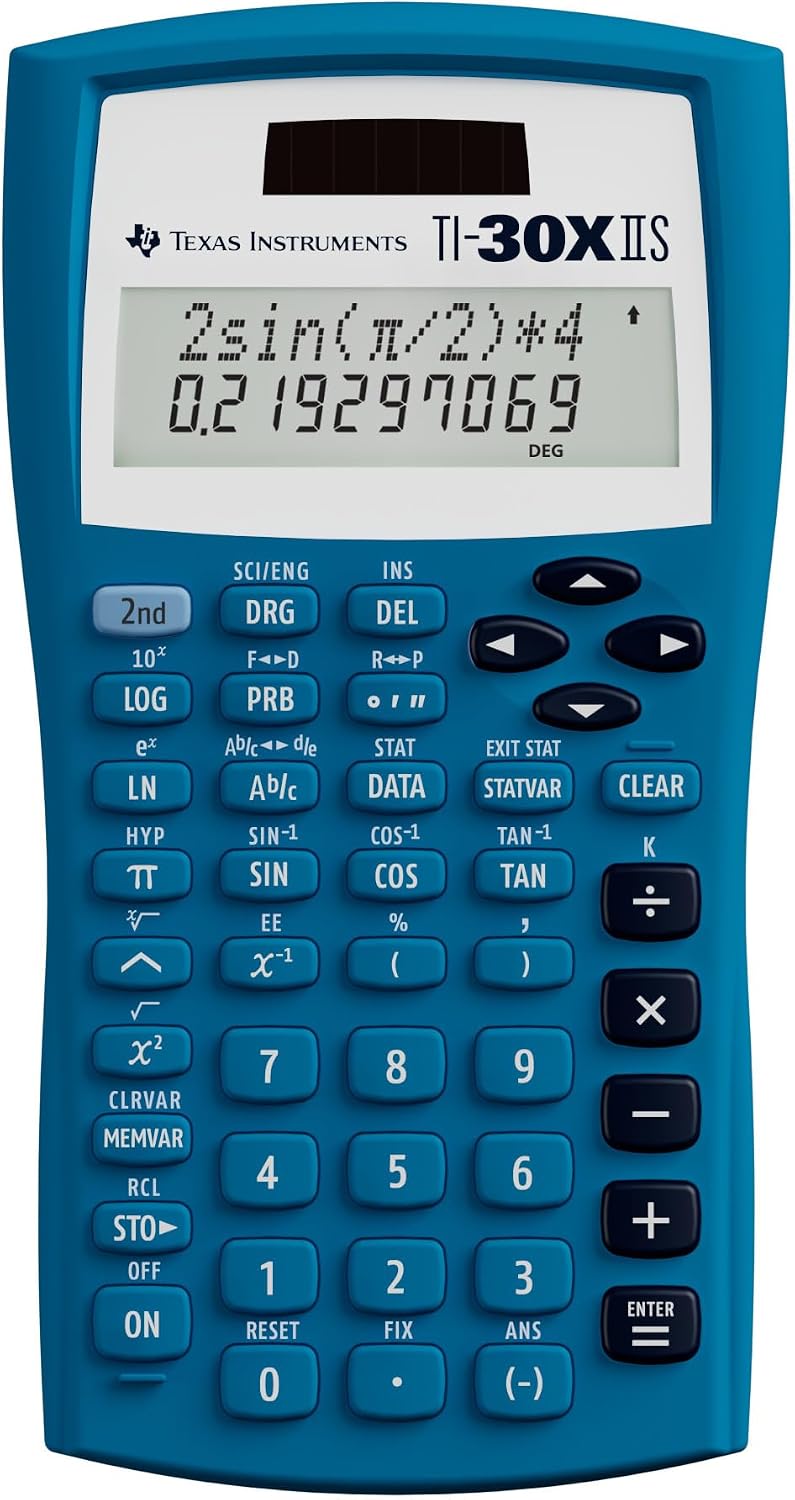
Texas Instruments TI-30XIIS Scientific Calculator, Blue
Check current Amazon price
A scientific calculator in blue. It has nothing to do with projecting light, but it is the tool that handles throw distance, screen height, and aspect ratio math without you opening a spreadsheet on your phone while standing on a ladder.
Visit on AmazonPrices and availability may change. Check the retailer for current details.
How these products were compared
This guide compares claimed brightness, native resolution versus supported input, mounting and adjustment hardware, screen material and portability, streaming and connection options, and how each piece behaves in a room that is not a dedicated theater. Product names, images, and retailer links are matched by the same product identifier so that every card points to the product shown.
Nothing here is presented as lab measurement. Where a brightness figure appears, it is the manufacturer's own claim, and a claim that does not say ANSI is worth less than one that does. Prices move constantly, so use the link on each card to confirm the current price and availability.
How to choose the right projector setup gear
Start with the room, not the projector. If light comes in during the hours you actually watch, no projector at any price will hold a good image on a white wall. A screen with a controlled surface and some way to block or dim the light will do more for picture quality than a step up in projector class. If your room is dark and stays dark, you can spend less on brightness and more on everything else.
Then do the math on throw ratio. Throw ratio is the distance from lens to screen divided by image width. A projector with a 1.2 throw ratio needs 1.2 feet of distance for every foot of image width, so a 120-inch wide image needs roughly 12 feet of throw. Measure that before you buy, because a fixed long-throw projector may not physically fit the room you have. If the numbers are tight, a mount with real adjustment range saves the install. Lens shift beats keystone correction, and digital keystone costs you resolution. Our throw distance walkthrough covers the arithmetic step by step.
Mounting is where most installs go wrong. A ceiling mount has to hold the projector's weight, let you fine-tune the angle after it is up, and stay put once it is set. Cheap brackets flex, and flex shows up as a slightly tilted image you cannot fix without getting back on the ladder. If you are hanging a heavier chassis, pay for the mount that locks and adjusts cleanly. If you are hanging something small and light, a basic universal bracket is usually enough.
Finally, match the screen to how you live. A fixed frame looks best and never moves. A foldable screen packs into a closet, survives being hung outdoors, and moves with a renter. Neither is wrong, but they serve different rooms.
The top pick: Native 1080P Smart Video Projector X7
This is the pick for someone building a first setup around one purchase. The panel is native 1080p, it accepts 4K and 8K input, and it runs Android 14 with WiFi and Bluetooth for sources and sound. Auto focus and auto keystone mean you can get a watchable image without a ladder and a helper, which matters more than most spec sheets admit. The listing also claims 2000 ANSI lumens, and if that number holds up in a room with some light, this is a lot of projector for the category.
The trade-off is that everything is integrated. Built-in streaming and built-in processing are convenient right up to the moment you want to run a dedicated media player and an AV receiver through the chain, or calibrate with a meter and a full picture menu. Integrated systems also tend to age faster than the optical engine. If you are the kind of buyer who replaces a streaming stick every few years anyway, that is fine. If you want a projector to be a display and nothing else, you are paying for features you will not use.
Worth saying plainly: the ANSI figure is a claim until someone measures it. Treat 2000 ANSI as the promise the brand is making, not a fact you can bank.
Alternatives to consider
The ONOAYO Outdoor Projector is better suited to backyard nights, where its 60W Dolby Audio system and licensed app support mean you can skip the receiver and the speaker run. The Mdbebbron 120 inch Projector Screen is a stronger fit when you need a large image you can fold up and store, or hang outdoors and take down again.
The Chief RSMBUW Mount and the Universal Projector Ceiling Mount cover the two ends of the mounting market. The Chief unit is the one to look at when the projector is heavier, the ceiling is awkward, and you want a lock plus real adjustment. The white universal bracket is the sensible choice for a small, light projector going on a flat ceiling. The Texas Instruments TI-30XIIS Scientific Calculator covers the part of the job nobody thinks about until install day: throw distance, screen height at a given seating distance, and aspect ratio conversions, all without opening a spreadsheet on your phone while balanced on a step stool.
Day-to-day use and maintenance
Projectors are dust magnets, and dust is the enemy of a clean image. Keep intake vents clear and follow the manufacturer's cleaning instructions rather than blasting the chassis with compressed air, which can push debris further inside. On lamp-based units, lamp hours are the clock that matters, and a replacement lamp can cost a meaningful fraction of what you paid for the projector. Laser and LED light sources run far longer between replacements, which is part of why they carry a premium.
Screens need less attention, but a foldable screen has to be stored properly or the creases become permanent. Fold or roll it the way the maker instructs, keep it out of direct sun when it is not in use, and wipe it with a dry microfiber cloth rather than any cleaner.
Mounts should be checked once a season. Ceiling hardware loosens with temperature swings and vibration, and a projector that has drifted half a degree is more annoying than one that is simply dim. If the mount has a locking mechanism, use it.
Buying checklist
- Measure the throw distance the room can actually provide before choosing a projector.
- Match claimed brightness to your room's light, not to the biggest number on the box.
- Confirm whether the resolution is native or just supported input, because they are not the same thing.
- Decide on mounting height and screen size together, since one constrains the other.
- Check that the exact model includes the features you care about, including streaming apps and auto setup.
- Verify current retailer price, availability, and return terms before ordering.
Final recommendation
Choose the Native 1080P Smart Video Projector X7 when you want one box that handles streaming, setup, and a bright, daylight-tolerant image. Choose the ONOAYO Outdoor Projector when the room is a backyard and you want the sound handled by the projector itself. If the projector is going on a ceiling, budget for a mount that adjusts and locks, and do the throw math before you drill anything.