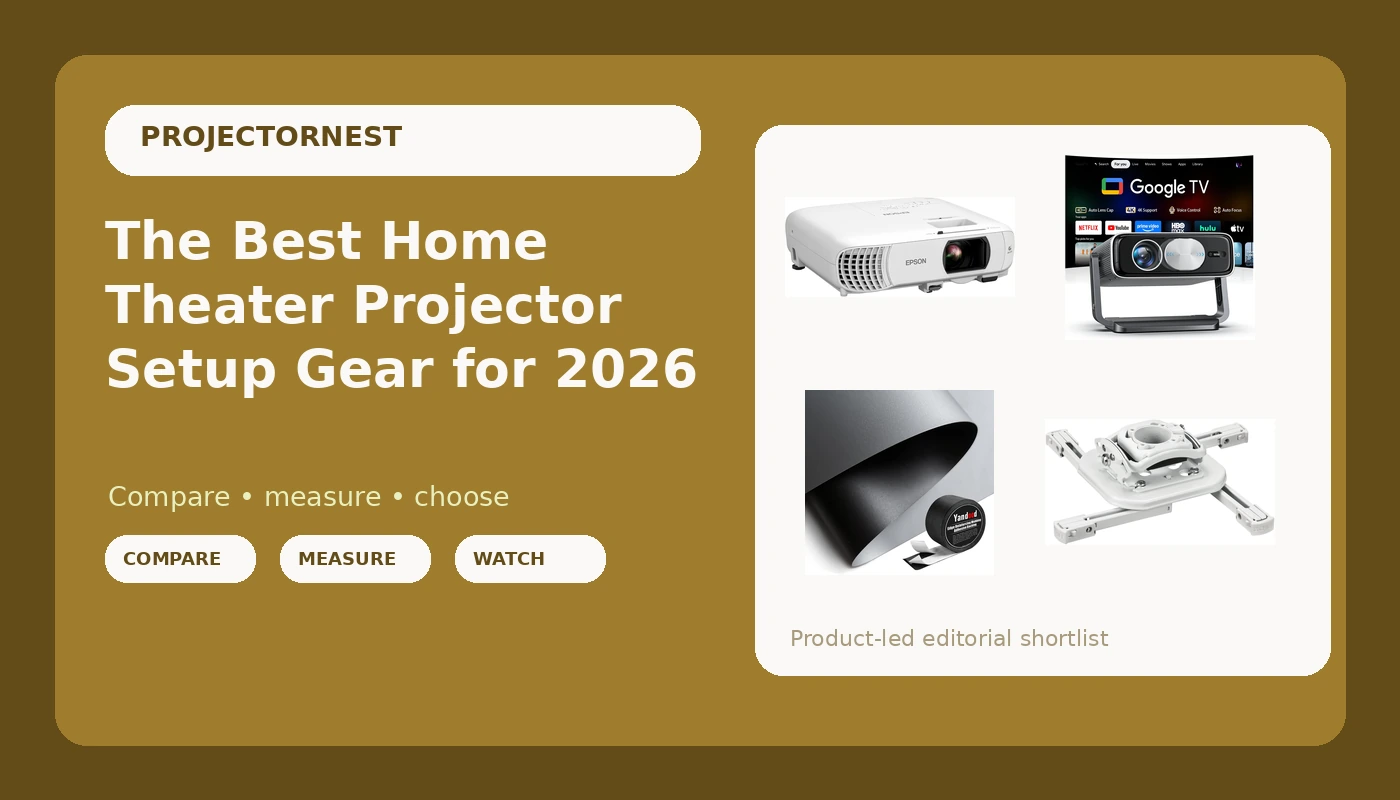
Most people buy a projector and then find out the room gets a vote. I have hung projectors in finished basements, spare bedrooms, and one living room with a wall of west-facing windows, and the parts list that makes a home theater projector setup work is almost always the same: a projector that matches the light in the room, a screen surface that can fight ambient light, and a mount that holds the image exactly where you framed it. This guide covers a setup from the ceiling down, with two projectors at very different price points, two ceiling mounts, ambient light rejecting screen material, and one small tool that has saved me more installs than any app. Everything here is compared on the specifications and features the listings actually state, and every card is matched to the exact model it describes.
Related: How to Measure Throw Distance Before You Buy a Projector
Quick answer
The Epson Home Cinema 980 3-Chip 3LCD 1080p Movie Projector is the strongest fit for a light-controlled movie room because its 3-chip 3LCD light engine and native 1080p design are built around film watching rather than portable use. Choose the Smart 4K Projector [Bundled with Google TV Stick] with WiFi and Bluetooth, 3000ANSI, Auto Lens Cap, Portable Outdoor Movie Projector with Built-in Apps Auto Focus for Ceiling/Home Theater/Bedroom instead when the projector has to survive a brighter room or move between a bedroom, a ceiling mount, and the backyard.
Home theater projector setup gear worth comparing
Four things decide how a setup turns out, and only one of them is the projector. The light control in the room, the surface the image lands on, and the mount that holds the projector in place all shape the picture as much as the light engine does. That is why this list mixes projectors with mounting and screen hardware. Buying a bright projector and bouncing it off a bare white wall in a room with uncovered windows is the most common way people end up disappointed.
The two projectors here represent the two honest paths. The Epson Home Cinema 980 is a 3-chip 3LCD 1080p movie projector, the kind of design that puts stable color and consistent image quality ahead of portability. The Smart 4K Projector takes the opposite approach: a listed 3000ANSI brightness figure, a bundled Google TV Stick, built-in apps, auto focus, and an auto lens cap, aimed at people who want one box that works in several rooms. Around them sit two ceiling mounts, a length of ambient light rejecting screen fabric, and a scientific calculator that earns its place the first time you have to work out throw distance and screen geometry at a job site.
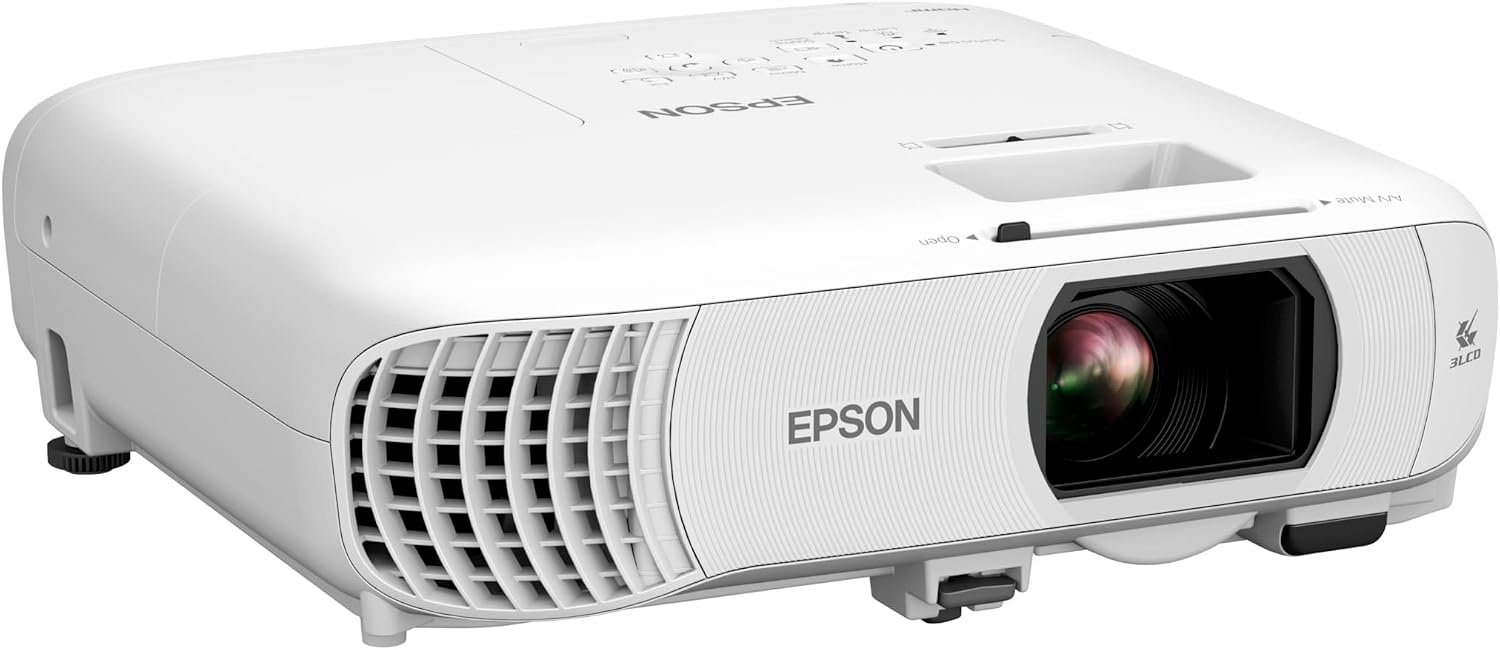
Epson Home Cinema 980 3-Chip 3LCD 1080p Movie Projector
A 3-chip 3LCD 1080p projector aimed at movie watching. The three-panel light engine is the reason to look here: no color wheel, and color that stays consistent across the frame. A mount-and-leave-it projector for a room you can darken.
Visit on Amazon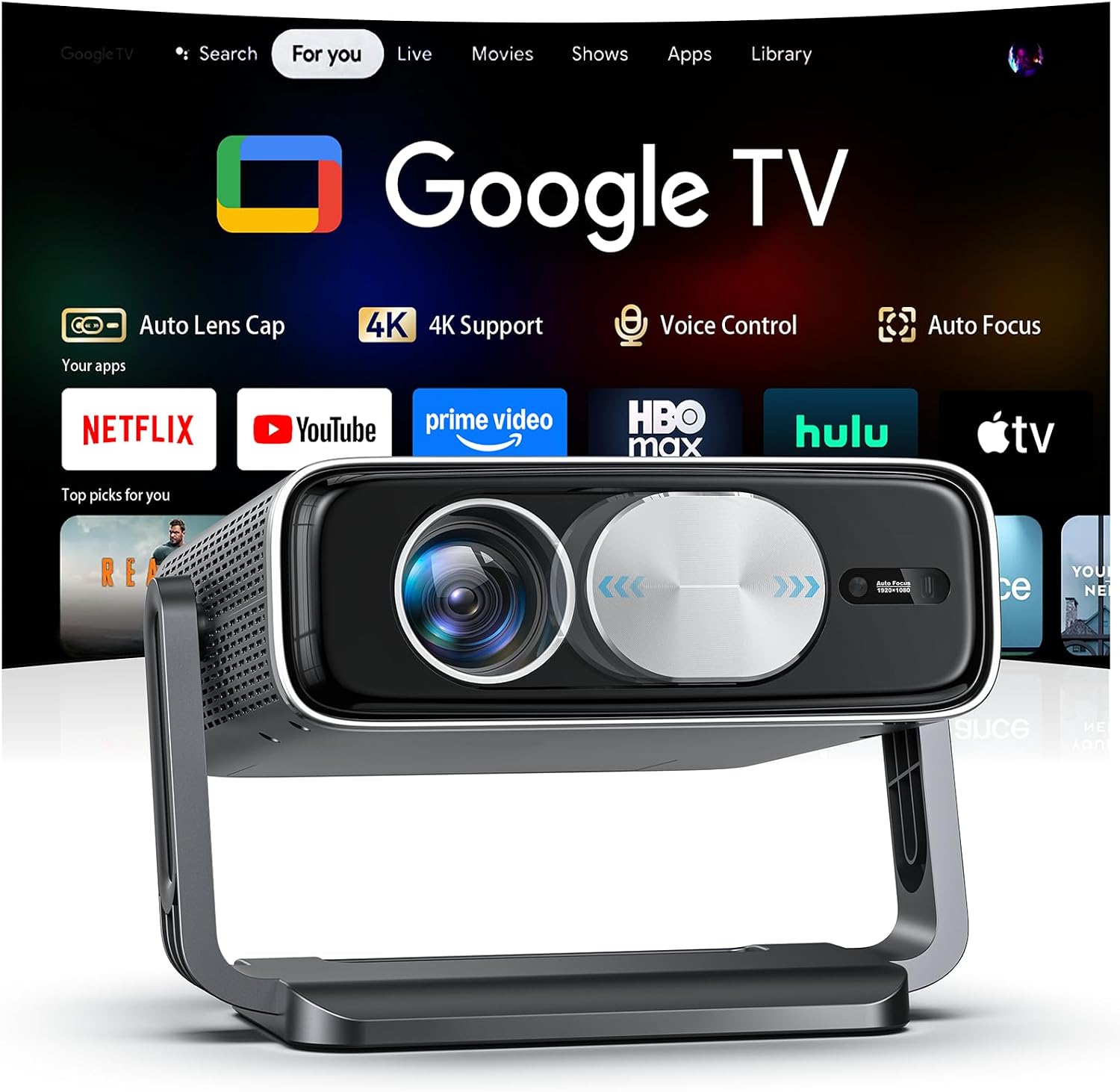
Smart 4K Projector [Bundled with Google TV Stick] with WiFi and Bluetooth, 3000ANSI, Auto Lens Cap, Portable Outdoor Movie Projector with Built-in Apps Auto Focus for Ceiling/Home Theater/Bedroom
Ships with a Google TV Stick and built-in apps, plus WiFi, Bluetooth, auto focus, and an auto lens cap. The listing quotes 3000ANSI, and the portable format suits a bedroom ceiling, a dorm wall, or a backyard night.
Visit on Amazon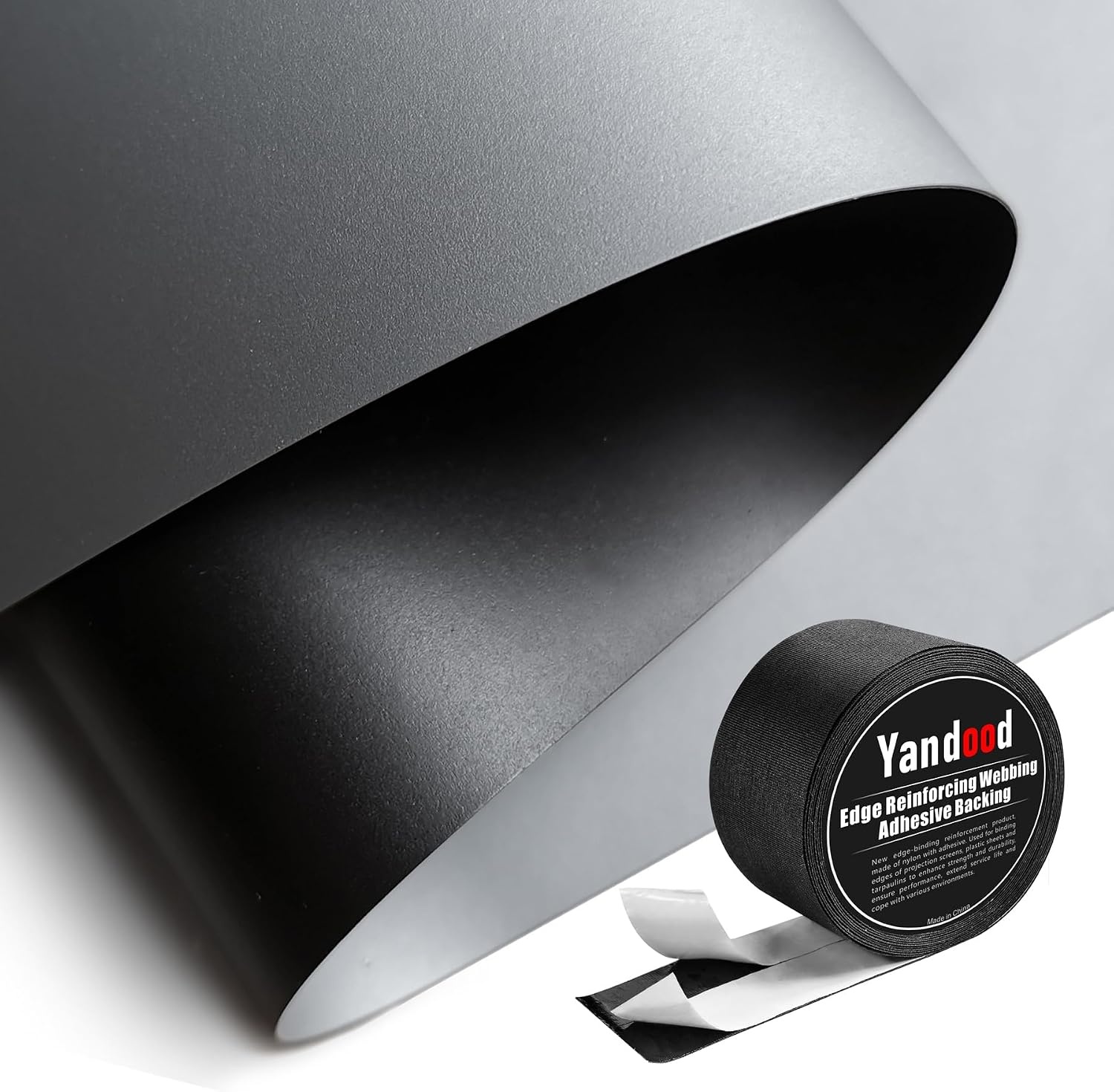
Projector Screen Material Ambient Light Rejecting Fabric 69x118 inch for Max 130 inch 16:9 Projection Screen DIY, Black Backing 4K Ultra HD Front Projection EVA Polymer Material (Grey)
Ambient light rejecting EVA polymer fabric, 69 by 118 inches, sized for a DIY screen up to 130 inches at 16:9. Grey front surface, black backing, front projection only. The single biggest upgrade for a room you cannot darken.
Visit on Amazon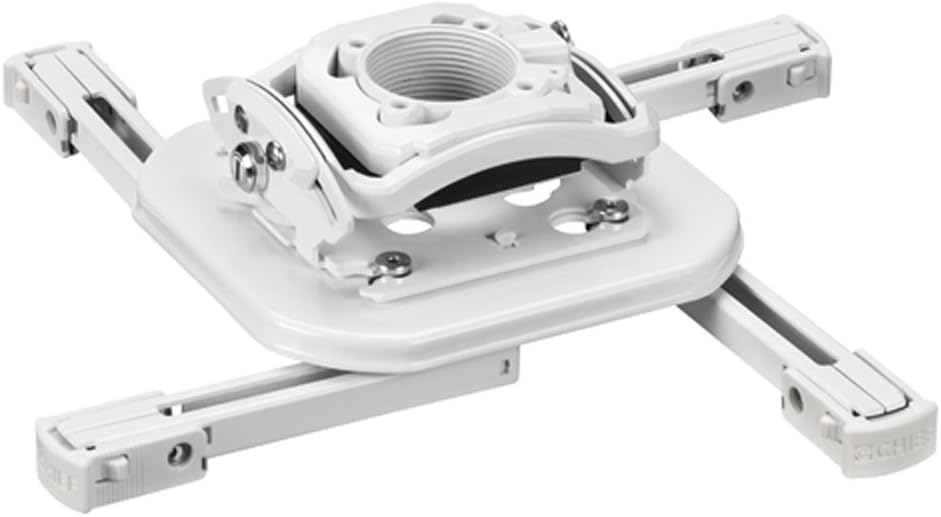
Chief RSMBUW Rpa Mini Elite Universal Projector Mount Lock B White
A universal ceiling mount from Chief with an RPA Mini Elite interface and a lock, finished in white. The install-grade choice when the projector has to hold its position for years and the mount should disappear against the ceiling.
Visit on Amazon
Universal Projector Ceiling Mount - White
Check current Amazon price
A plain white universal ceiling mount. The low-cost way to get a projector off a coffee table and onto the ceiling in a bedroom, office, or spare room, and a clean match for a white ceiling.
Visit on Amazon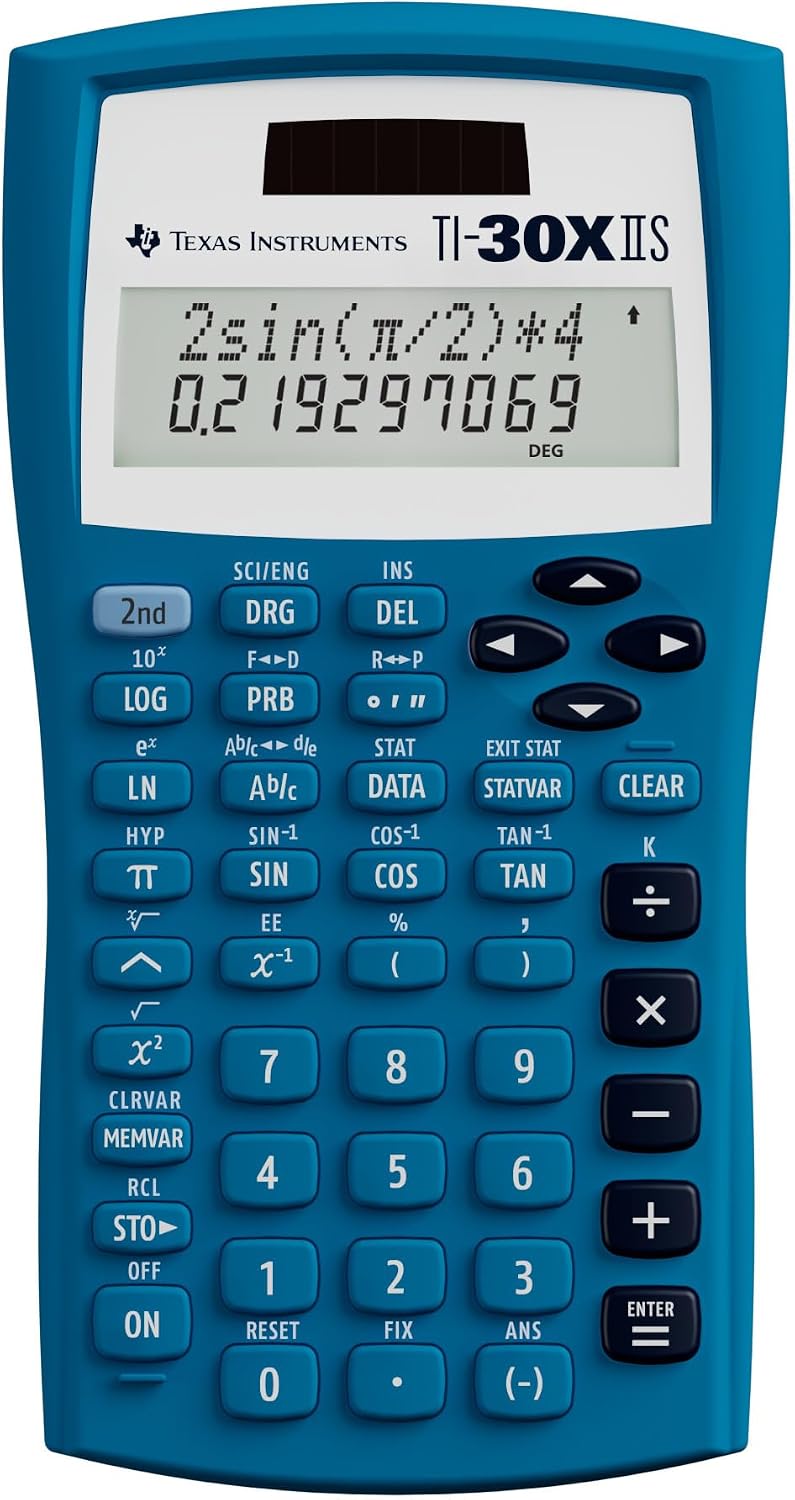
Texas Instruments TI-30XIIS Scientific Calculator, Blue
Not projector hardware, and that is the point. A scientific calculator is the cheapest tool in the install bag for throw distance, screen diagonal, and 16:9 math before you drill a single hole.
Visit on AmazonPrices and availability may change. Check the retailer for current details.
How these products were compared
This guide compares light engine type and stated brightness, native resolution, mounting method and installation flexibility, screen surface and how it handles room light, and how each piece fits into a complete setup. Product names, images, and retailer links are matched by ASIN so that every card points to the product shown. Nothing here is presented as bench testing. The differences described come from the specifications and features each listing states and from how the parts fit together in a real room.
How to choose the right projector setup gear
Start with the room, not the projector. Count the hours a day the room is bright, and be honest about whether you will actually close the curtains. If you can darken the space, a native 1080p 3LCD movie projector like the Epson looks excellent at 100 to 130 inches, and the money you save on the projector buys a screen and a proper mount. If the room has windows you use, or the projector lives on a shelf and moves outside at night, brightness and setup convenience matter more than a resolution badge. That is where the Smart 4K Projector's listed 3000ANSI figure, auto focus, and built-in apps do their work.
Then decide where the projector sits, because that choice has to happen before you buy a screen. A ceiling mount is the cleanest answer for a permanent room, but it forces you to solve throw distance and vertical offset up front. If you are still working out where the projector has to sit, measure the throw distance first and check the math twice before you drill. The calculator on this list exists for exactly that step, and it is also the tool for converting a 16:9 image into the width and height you need to clear.
Screen surface is the third decision, and it matters most in rooms you cannot control. A grey ambient light rejecting fabric is designed to reject off-axis light instead of reflecting it back at the seats, which is why it holds up better than a white wall when a lamp is on or a window is uncovered. The trade-off is that the material is directional and has to be mounted flat and square to do its job, and the fabric here is sized for a DIY build rather than a finished frame. If you want a screen you hang in ten minutes, this is not that product.
Mount choice comes last, and it depends on how permanent the install is. The Chief mount is the locking, install-grade option for a dedicated room where the projector needs to stay exactly where you aimed it. The universal white mount covers the simpler case: a bedroom or office projector that needs to be off the table and out of the way.
Epson Home Cinema 980 3-Chip 3LCD 1080p Movie Projector
This is the pick for a room you can darken. The 3-chip 3LCD light engine uses three LCD panels rather than a spinning color wheel, which is why 3LCD designs are known for consistent color across the frame instead of color-wheel artifacts. Native 1080p is a real resolution rather than pixel shifting, and at typical home screen sizes in a dark room it holds up well. The Home Cinema line is built for watching movies first: this is a projector you mount, aim, and then leave alone for years.
The trade-off is honest. It is a 1080p design, so anyone who wants the 4K badge on the box should look elsewhere, and it assumes a room you can control. A projector built for dark-room contrast will not win a fight with an uncovered window, no matter what the settings menu offers. If your room is bright, buy for brightness instead.
Alternatives to consider
The Smart 4K Projector [Bundled with Google TV Stick] with WiFi and Bluetooth, 3000ANSI, Auto Lens Cap, Portable Outdoor Movie Projector with Built-in Apps Auto Focus for Ceiling/Home Theater/Bedroom is better suited to a room you cannot darken or to a setup that moves between spaces, while the Projector Screen Material Ambient Light Rejecting Fabric 69x118 inch for Max 130 inch 16:9 Projection Screen DIY, Black Backing 4K Ultra HD Front Projection EVA Polymer Material (Grey) is a stronger fit when the wall behind the screen is the real problem and you are willing to build a screen up to 130 inches at 16:9.
A word on the smart projector: the brightness figure in the listing is the manufacturer's claim, and a listed ANSI number is not the same thing as a third-party measurement. Treat it as a starting point and buy from a retailer with a return window you can live with. Its real strengths are the ones you can verify from the listing itself: the bundled Google TV Stick, built-in apps, auto focus, WiFi and Bluetooth, and an auto lens cap that covers the glass when the projector powers down.
The Chief RSMBUW Rpa Mini Elite Universal Projector Mount Lock B White, the Universal Projector Ceiling Mount - White, and the Texas Instruments TI-30XIIS Scientific Calculator, Blue cover the rest of the install. The Chief mount is for a permanent theater where the projector must not drift. The universal mount is for the simple case: a white bracket that gets a portable projector onto the ceiling without turning the job into a project. The calculator is for the math both of them require, and it is the cheapest insurance in this entire guide against a mount that ends up in the wrong spot.
Day-to-day use and maintenance
Once the projector is up, most of the maintenance is dust and heat. Keep the intake and exhaust vents clear, because a projector that runs hot runs loud, and fan noise is the difference between a quiet movie and a distraction. Wipe the lens with a dry microfiber cloth only, never a solvent, and let the auto lens cap on the smart projector do its job rather than handling the glass.
Screen fabric needs almost nothing if you leave it alone. Dust it dry, keep it flat, and avoid creasing or folding it once it is mounted. The black backing goes behind the projection surface, not in front, and the grey front surface should face the projector. If you build a frame, keep the material evenly tensioned so the image does not ripple.
For the mounts, re-check the fasteners about a month after installation and again at the start of each season. Use studs or anchors rated for the load, and never hang a projector from drywall alone. If the projector uses a lamp, track the hours and keep a spare on hand; LED and laser designs trade that routine for a higher upfront cost. And never let anyone look into the lens while the projector is running.
Buying checklist
- Measure the room, the screen wall, and the seating distance before ordering anything.
- Choose brightness based on the light you actually have, not the light you plan to add later.
- Confirm the projector's throw distance and lens adjustment match your planned mounting position.
- Check that the mount is compatible with your projector's footprint and weight.
- Confirm the screen material size covers the image you want, with room for a frame.
- Decide whether you are building a screen or buying one, since that changes the whole budget.
- Verify the current retailer price, availability, and return terms before you commit.
Final recommendation
Choose the Epson Home Cinema 980 3-Chip 3LCD 1080p Movie Projector when the room can be darkened and you want a 3LCD, native 1080p projector you can mount and forget. Choose the Smart 4K Projector [Bundled with Google TV Stick] with WiFi and Bluetooth, 3000ANSI, Auto Lens Cap, Portable Outdoor Movie Projector with Built-in Apps Auto Focus for Ceiling/Home Theater/Bedroom when the room stays bright or the projector has to travel, and treat the listed brightness figure as a claim to verify rather than a fact. Whichever projector you pick, budget for the screen surface and the mount at the same time. Those two parts decide whether the picture looks like a theater or like a projector pointed at a wall.