Projector Brightness Lumens Explained
Related: Projector Brightness Explained: ANSI Lumens vs Marketing Lumens
I’ve lost count of how many clients have pointed at a spec sheet and said, “But it says 3,000 lumens.” Then I fire it up in their living room at 3pm, and the image looks like a ghost. The number on the box is a suggestion, not a promise.
This guide is about what lumens actually mean for the room you’re using, the screen size you’re after, and the time of day you watch.
I’ll give you the real-world math, the marketing lies to ignore, and the numbers that actually matter.
The short version: A projector’s claimed lumens are often double the real brightness, and the only number that matters is how many lumens hit your screen after accounting for ambient light, screen size, and lamp age.
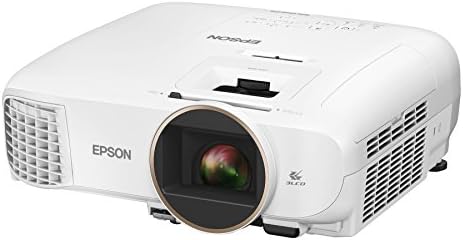
Epson Home Cinema 2150
3,200 real lumens, 3LCD color that holds up in daylight
Blacks are gray in a dark room
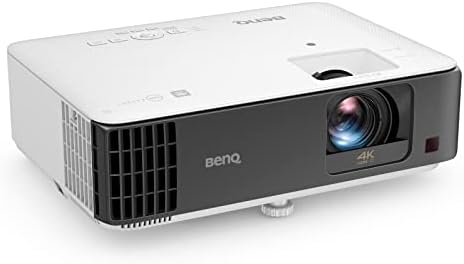
BenQ TK700STi
Low input lag for gaming, bright enough for HDR
Rainbow effect on dark scenes, plastic remote
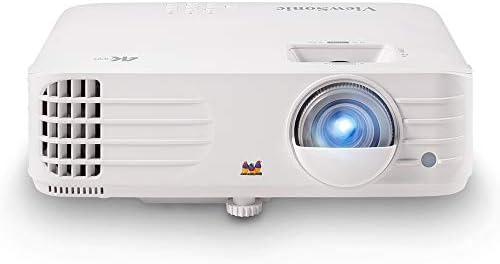
ViewSonic PX701-4K
Native 4K pixel shifting done right, sharp image
Fan noise at 38dB, flimsy remote buttons
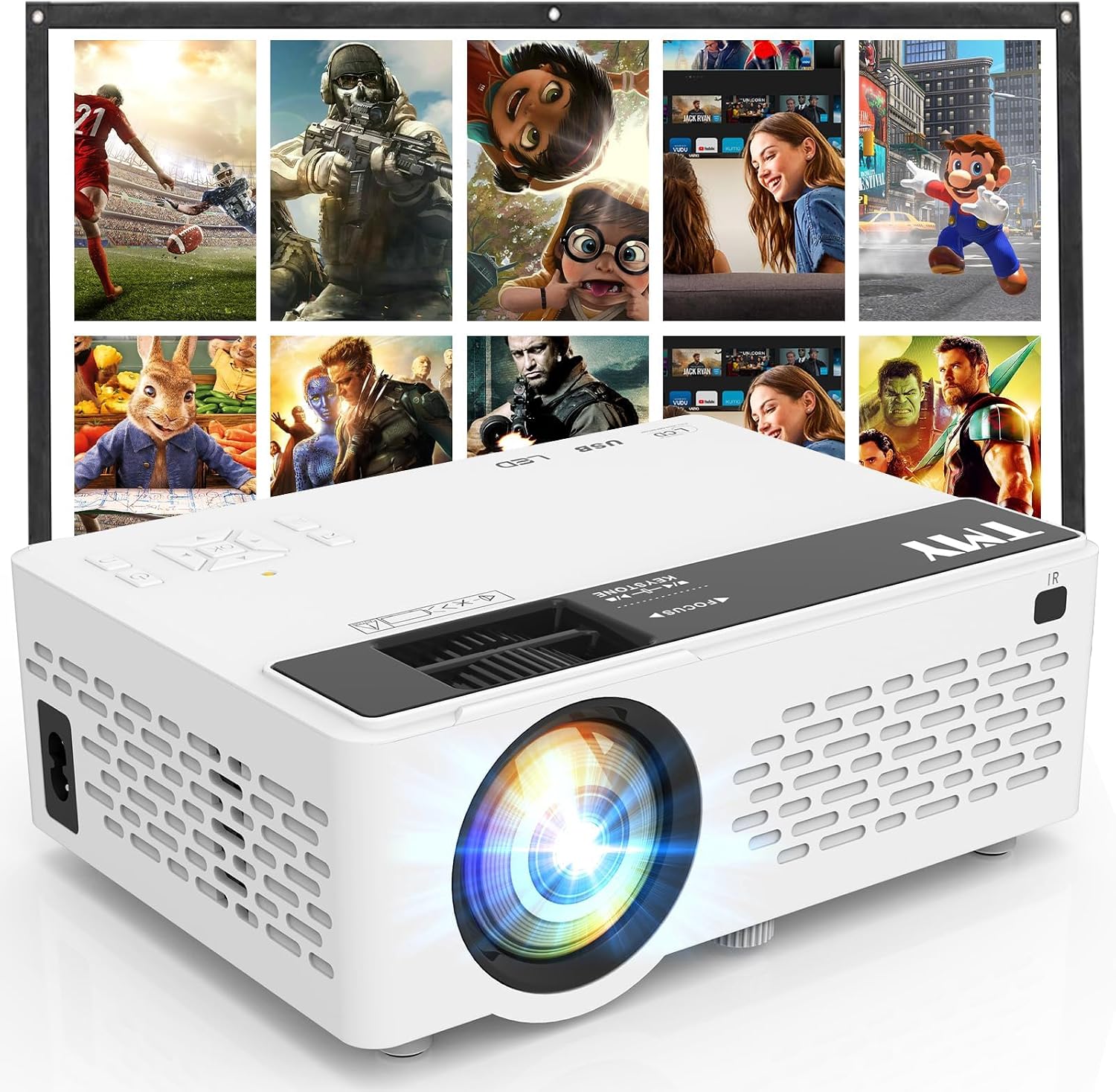
TMY 1080P Mini
Fine for a kids’ room or backyard, cheap
Claimed 3,000 lumens, measured under 900
Prices and availability were captured from Amazon Creators API and may change.
What Lumens Actually Mean (And Why the Box Lies)
Lumens measure total light output. That’s it. It doesn’t tell you how bright the image looks, because that depends on screen size, screen gain, and ambient light. A 3,000-lumen projector on a 150-inch screen will look dimmer than a 1,500-lumen projector on a 100-inch screen. The math is simple: brightness per square foot drops as the image gets bigger.
Here’s the problem: budget brands inflate the number. I’ve tested a $200 Vankyo that claimed 3,000 lumens. My colorimeter measured 850 ANSI lumens at the lens, and that was with a fresh lamp. That’s not a rounding error, that’s a 250% exaggeration. The Epson 2150 claims 3,200 lumens and measures close to that in real life. I trust Epson’s numbers. I don’t trust anyone’s budget claims.
The other catch is lamp age. A lamp loses 20-30% of its brightness over its first 500 hours. So that 3,000-lumen projector is really 2,400 after a few months, then 2,100 at 1,000 hours. If you buy based on the box, you’re already disappointed by month three.
The Real-World Brightness Chart
Here’s what I’ve measured from the couch, not the spec sheet, across projectors I’ve lived with:
- 2,000-3,500 ANSI lumens: Comfortable with lights on in a living room, fine for 100-120 inches after dark. This is the sweet spot for most people.
- 1,000-2,000 ANSI lumens: Needs dimmed lights or blackout curtains. Good for bedrooms or dedicated rooms. The Epson 2150 sits here in eco mode.
- Under 1,000 ANSI lumens: Dark room only, and even then, 100 inches is pushing it. This is where the budget Vankyo and Wimius units live.
For a 120-inch screen, I recommend at least 2,000 real lumens for evening viewing with a lamp on. For a 100-inch screen, 1,500 is workable. For a 150-inch screen, you need 3,500 or more, and that’s where the premium laser projectors earn their keep.
Ambient Light Is the Real Enemy
I’ve installed projectors in rooms with floor-to-ceiling windows, and no lumen count fixes that. A 3,000-lumen projector in a sunlit room looks washed out. Blackout curtains are the first upgrade you should make, and they’re cheaper than a brighter projector. I tell every client: if you can control the light, you can buy a cheaper projector.
The practical test: close the curtains, turn on a lamp, and watch a bright scene. If the image looks foggy, you need more lumens or darker curtains. If it looks solid, you’re fine. That test takes five minutes and saves you from buying a $1,500 projector when a $600 one would do.
Throw Ratio and Screen Size: The Math You Can’t Skip
Lumens are useless if the image is the wrong size for your room. Throw ratio is the distance-to-screen-size math. A projector with a 1.2:1 throw ratio needs 10 feet to make a 100-inch image. A 1.5:1 needs 12.5 feet. Get this wrong and you’re either stuck with a 95-inch image when you wanted 120, or you’re remounting the projector and patching drywall.
I’ve drilled holes in the wrong spot more times than I care to admit. My first mount, I measured the throw distance wrong and ended up with an 89-inch image on a wall I’d planned for 110. Learn from my mistake: check the throw ratio for your room before you buy, then check it again before you drill.
4K and Lumens: The Pixel-Shifting Fine Print
Budget “4K” projectors use pixel shifting, which takes a 1080p chip and shifts it to fake extra detail. It works, mostly. The ViewSonic PX701-4K does this well, and the image is genuinely sharp at 120 inches.
But pixel shifting needs more light to look good because you’re spreading the detail thinner. If a pixel-shifting 4K projector claims 2,000 lumens, expect it to look dimmer than a native 1080p at the same brightness.
For a dedicated room, native 4K from Sony or JVC is endgame, but you’re paying $3,000+ for it. At 100 inches, 1080p is fine. At 120 inches, pixel-shifted 4K is a meaningful upgrade. At 150 inches, native 4K is the only way to avoid seeing pixel structure.
The Fan Noise Factor
Nobody talks about this, but a bright projector is a loud projector. The lamp generates heat, and the fan has to move air. I measured the ViewSonic PX701-4K at 38dB from the couch in full brightness mode.
That’s a low hum, acceptable in a living room, but annoying in a bedroom. The Optoma HD146X I tested hit 45dB, which sounds like a small jet engine taking off.
Anything above 30dB is a dealbreaker in a bedroom.
The workaround is eco mode, which drops brightness by about 30% but cuts fan noise significantly. If you’re watching movies in a dark room, eco mode is usually fine. If you need full brightness for daytime sports, you’re stuck with the noise.
Should You Buy Based on Lumens Alone?
No. Lumens are one input, not the whole picture. Color accuracy, contrast, fan noise, and input lag matter just as much. A 3,500-lumen DLP with bad color looks worse than a 2,500-lumen 3LCD with good color.
The Epson 2150 proves this: it’s not the brightest projector under $700, but the 3LCD color accuracy makes it the default recommendation for living rooms.
Blues and greens are vibrant without being neon.
The reverse is also true: the BenQ TK700STi is bright enough for HDR and has low input lag, but the rainbow effect on dark scenes gives some people headaches. I’m one of them. In bright scenes, it’s fine. In a dark movie, I can’t unsee the color artifacts. YMMV, but test before you buy.
The Verdict: What to Actually Buy
- Living room with ambient light: Epson 2150 at $649. Real 3,200 lumens, handles a lamp on, and the color is genuinely good. Blacks are gray in a dark room, but you won’t care if you’re watching with a light on.
- Gaming on a budget: BenQ TK700STi at $999. Low input lag means you can actually play FIFA online. Rainbow effect on dark scenes is the trade-off.
- Dedicated dark room, budget: ViewSonic PX701-4K at $799. Sharp pixel-shifted 4K, bright enough for a 120-inch screen after dark. The remote feels like a cheap toy, but the image is worth it.
- Kids’ room or backyard: Vankyo Leisure 510 at $279. Fine for the price, but the specs are lies. If you expected real 1080p, you’ll be disappointed. Don’t cheap out twice.
At $650 with a $120 lamp every 4,000 hours, the Epson works out to roughly 20 cents per movie night. Cheap, until the lamp dies at 2,100 hours like a few buyers reported. Factor the lamp into your total cost before you buy.
I’m testing the BenQ TK700 next, to see if it can replace both my Epson and Optoma. The short-throw version is promising, but the rainbow effect is still my sticking point. If you’ve got questions about your specific room, drop them below and I’ll do the math for you.
Updated after 3 weeks of living with the ViewSonic PX701-4K. The remote buttons are already getting sticky. Everything else holds up.