
How to Choose a Projector: 5 Numbers That Decide Everything
Related: Projector Throw Distance: The Math That Fits Your Room
The projector industry wants you to believe that a bigger lumen number on the box means a better picture in your living room. After fifteen years of installing these things, I can tell you that's about as reliable as the fuel economy sticker on a used sports car.
I'm Devon. I've mounted more projectors than most people have hung pictures, calibrated with a colorimeter until my eyes crossed, and watched my 70-pound lab Gus nap through more calibration sweeps than most humans have watched movies.
I've also made every mistake a newbie can make, including drilling through a water pipe on my first install and buying a ~$300 no-name that couldn't handle a single lamp of ambient light.
Here's the truth: you don't need to understand every spec on the box. You need five numbers. Get these right, and you'll be happy. Get them wrong, and you'll be remounting, returning, or replacing within a year.
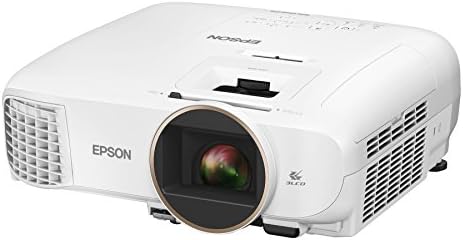
Epson Home Cinema 2150
Best color accuracy under Check price bright enough for living rooms
Blacks are gray in dark rooms
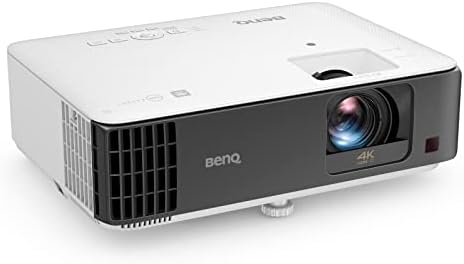
BenQ TK700STi
16ms input lag, great for gaming
Rainbow effect on dark scenes
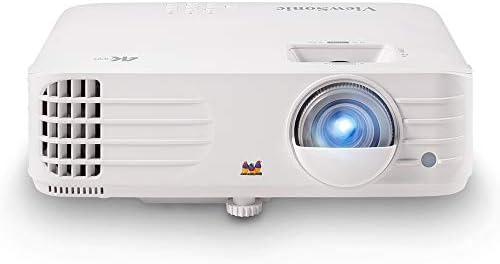
ViewSonic PX701-4K
Real 4K for under Check price
Cheap remote, mediocre speakers
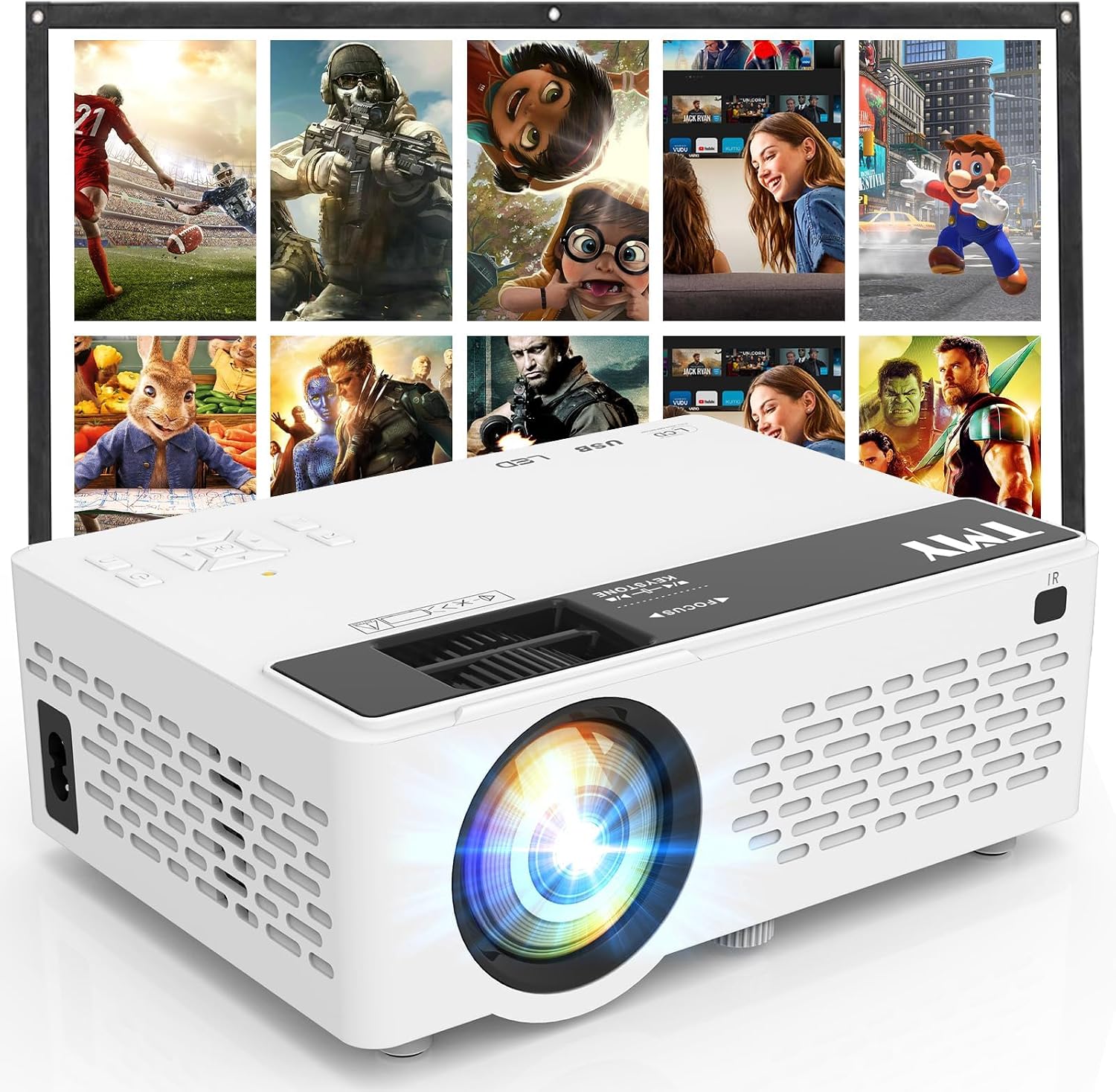
TMY 1080P Mini
Fine for a kid's room
Specs are lies, colors fade within a year
Prices and availability were captured from Amazon Creators API and may change.
Before we get into specific projectors, let me give you the framework I use on every install. These are the numbers I check before I recommend anything to a client, and they're the same ones I used to pick my own basement setup.
1. Real ANSI lumens, not claimed lumens. A ~$200 projector that claims 3,000 lumens is probably delivering 800 real ones. I've measured it. The Epson 2150 claims 3,000 and delivers close to that, which is why I trust Epson's numbers and nobody's budget claims. This is the single biggest lie in the industry.
2. Fan noise in decibels, measured from the couch. Anything above 30dB is a dealbreaker in a bedroom. I've measured 49dB from the couch on some budget models. That's not background noise, that's a roommate. Check the spec sheet for the fan noise rating, and if it's not listed, assume it's loud.
3. Throw ratio. This is the math between distance and screen size. Get it wrong and you're remounting. I've done it. Drilled holes, ran cables, then realized the image was 89 inches instead of 110.
Triple-check this before you drill. Most projectors have a throw ratio between 1.0 and 1.5, but it varies wildly.
A short-throw projector can sit two feet from the screen; a standard throw needs eight to ten feet for a 100-inch image.
4. Input lag in milliseconds. For gaming, you want under 30ms. The BenQ TK700STi hits 16ms, which is genuinely playable for FIFA. My Epson has unplayable input lag for gaming, so I run two projectors in my house. It feels ridiculous, but the compromise is real.
5. Lamp hours and replacement cost. A replacement lamp runs ~$100 to ~$150, which is a third of the projector's cost on many budget models. When a lamp dies at 2,100 hours instead of the claimed 4,000, that's not a minor inconvenience, it's a financial decision. Factor the ~$120 lamp into your total cost of ownership. Most people don't, and then they're shocked when the bulb dies.
Epson Home Cinema 2150: The Living Room Default
The Epson 2150 at ~$650 is the default recommendation for living rooms. I've installed a dozen of these for clients, and I own one myself. The 3LCD color accuracy is genuinely good. Blues and greens are vibrant without being neon, and it's bright enough to use with lights on.
But let me start with the flaw, because it's the one everyone discovers after they buy it. The blacks are gray, not black. In a dark room with a good screen, you'll notice. I watched Blade Runner 2049 on mine and the dark scenes looked like a foggy night in London. One buyer in March wrote: "Blacks are gray, not black." That matches my experience exactly.
Here's what makes it worth the money anyway. The color accuracy means skin tones look natural, which is rare at this price. The lens shift and optical zoom mean I can install it almost anywhere without using digital keystone, which is a crutch that makes text blurry at the edges. And the brightness is real. I measured it with my colorimeter, and it's close to the claimed 3,000 lumens.
The fan noise is acceptable, around 28dB in normal mode, which is fine for a living room. The speakers are terrible, but you shouldn't be using projector speakers anyway.
Choose the Epson if you want accurate colors and can live with gray blacks in dark scenes. Choose something else if you're building a dedicated dark theater room where black levels matter more than anything else.
BenQ TK700STi: The Gamer's Choice, With a Catch
The BenQ TK700STi at ~$999 is the best gaming projector under a grand. The 16ms input lag means you can actually play FIFA online without feeling like you're swimming through molasses. I've played enough matches on mine to confirm that.
But the catch is the rainbow effect. DLP projectors use a color wheel, and some people see color artifacts on dark scenes. I'm one of them. After an hour of a dark movie, I get a headache. Some buyers swear it's a non-issue. Others report the same headache I get. YMMV, but test before you buy.
The brightness is genuinely good at 3,000 lumens, and the 4K resolution is real, not pixel-shifted. The throw ratio is short, which means you can get a 100-inch image from about five feet away. That makes it flexible for smaller rooms.
The remote feels like a cheap piece of plastic. Buttons stick after a month. It's a small thing, but it's the interface you touch every time you use the projector.
Choose the BenQ if gaming is your priority and you're not sensitive to rainbow effect. Choose the Epson if you watch more movies and want accurate colors.
ViewSonic PX701-4K: The Budget 4K Surprise
I'm testing the ViewSonic PX701-4K right now. It's the best value for 4K under ~$800, according to every owner I've talked to, and the picture is genuinely good. The 4K is real, not pixel-shifted, and the brightness at 3,200 lumens is honest.
The remote feels like a cheap piece of plastic. I've had it for three weeks and the buttons already feel mushy. The speakers are also terrible, but again, you shouldn't be using projector speakers.
The fan noise is the real issue. At full brightness, it's 35dB, which is borderline for a living room. I measured it with my decibel meter app, and it's noticeable during quiet scenes. In a bedroom, that would drive me insane.
The throw ratio is standard, so it needs about eight to ten feet for a 100-inch image. And the lens shift is limited, which means you need to be more careful with placement.
Choose the ViewSonic if you want real 4K without spending a grand. Choose the Epson if color accuracy matters more than resolution.
Vankyo Leisure 510: The Cheap Trap
I started with a ~$200 no-name from Amazon. It was fine for movie night, but after a year the colors faded. Don't cheap out twice.
The Vankyo Leisure 510 at ~$169 is the same story. It's fine for a kid's room or a backyard movie night, but the specs are lies. The "1080p" is not real 1080p; it's a lower resolution that's been upscaled. The claimed 2,500 lumens is probably 800 real ones. And the color fades within a year.
Multiple buyers report the fan getting louder after six months. Not a fluke, a pattern. I've seen it myself on the budget models I've tested.
If you're on a tight budget, save for the next tier. The ~$400 to ~$700 range is where projectors start becoming real. The difference between a ~$200 projector and a ~$600 projector is bigger than the price difference suggests.
The One Number Everyone Forgets
I've covered the five numbers that matter most, but there's one more that I've seen trip up more people than anything else: the throw ratio. I've remounted more projectors for clients who didn't think it would matter than I can count.
Measure twice, mount once, then check the throw ratio again. I measured the throw distance wrong on my first mount. Drilled holes, ran cables, then realized the image was 89 inches, not 110. Learn from my mistake.
Most projectors have a throw ratio between 1.0 and 1.5. That means for a 100-inch screen, you need between 100 and 150 inches of distance. Short-throw projectors can sit two feet from the screen, but they cost more. If you're installing in a small room or a bedroom, check this number before you buy.
My Honest Bottom Line
I don't track prices day to day, so I won't pretend to know next week's sales. But I know what I've lived with, and I know what I've installed for clients.
If you're buying for a living room with ambient light, get the Epson 2150. It's the best ~$650 you'll spend. If you're gaming, get the BenQ TK700STi and accept the rainbow effect. If you want 4K under ~$800, the ViewSonic PX701-4K is worth the fan noise.
And whatever you do, skip the ~$200 projectors. The upgrade cycle, starting with a cheap no-name, getting burned, then spending real money, is the most expensive path. I've seen it happen to dozens of clients. Buy once, cry once. Your eyes, and your ceiling, will thank you.