Buying the projector is the easy part. Making it look right in your room is the hard part. A 4K laser projector setup is a system: the light engine, the screen, the mount, the seating distance, and how much light you can actually keep out of the room. Get those wrong and even a very expensive projector looks washed out at 8 p.m. on a July evening. Get them right and a modest projector can carry a whole movie night.
This guide covers the whole chain rather than one hero box. That means two very different 4K laser projectors, a budget outdoor unit for backyard nights, two mounting options that solve different install problems, and the small tool that keeps your throw distance math from turning into guesswork. Every product here is a real listing, and the links point to the exact model described.
Related: How to Calculate Projector Throw Distance Before You Drill
Quick answer
The XGIMI HORIZON 20 Max 4K Projector Triple Laser Home Theater 5700 ISO Lumens is the strongest fit for a living room that has to survive some ambient light, because its triple laser light engine is rated at 5700 ISO lumens, which is a serious amount of light in a self-contained unit. Choose the Sony VPL-XW5000ES 4K HDR Laser Home Theater Projector instead when the room is dark, controlled, and built around the projector.
What a 4K laser projector setup is worth comparing
Brightness is the first thing to sort out, and it is also the most abused number in this category. You will see lumens, ISO lumens, and ANSI lumens used almost interchangeably in marketing, and they are not the same measurement. ISO lumens and ANSI lumens are both standardized, but they are not directly comparable to each other, and a bare "lumens" figure with no standard attached tells you almost nothing. Before you compare two projectors, check that both numbers use the same standard. If a listing will not name its standard, treat the number as decoration.
The second comparison is the light source. Laser light engines have largely replaced lamps at the top of the market because there is no bulb to replace on a schedule, output stays more consistent across the life of the unit, and startup is immediate. That matters more than most people expect: a projector you can turn on and use in fifteen seconds gets used far more often than one that needs a warm-up ritual.
Third is how the projector produces its resolution. Native 4K panels and pixel-shifting approaches both put a 4K image on your screen, and the difference shows up mostly in fine detail and in how the projector handles motion and text. Know which one you are buying rather than assuming a "4K" badge means a native 4K chip.
Fourth is placement flexibility. Throw ratio, zoom range, and lens shift decide whether the projector can actually live where your ceiling and seating allow. This is where most installs go wrong, and it is worth measuring twice before ordering anything.
Fifth is the mounting hardware, which is the least glamorous part of the setup and the one that decides whether your image stays aligned after a door slams. A mount with a locking mechanism and a wide range of adjustment is worth more than a slightly brighter projector in a room you cannot keep dark.
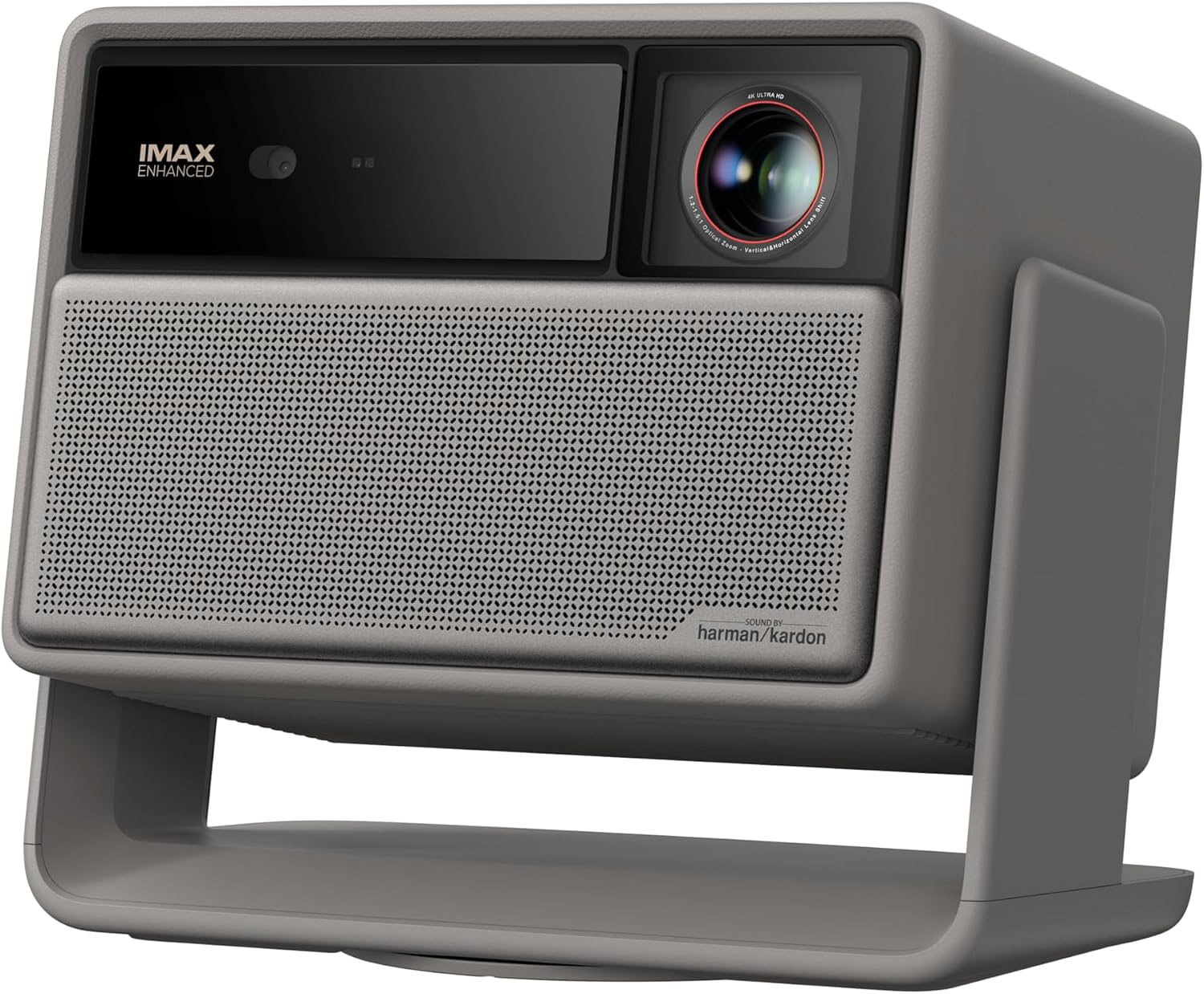
XGIMI HORIZON 20 Max 4K Projector Triple Laser Home Theater 5700 ISO Lumens
A triple laser 4K home theater projector rated at 5700 ISO lumens, built as a self-contained unit for rooms where some ambient light is unavoidable.
Visit on Amazon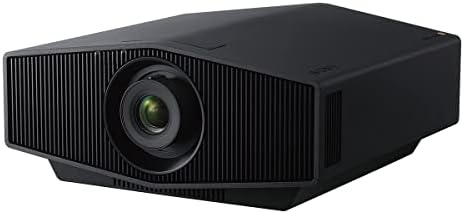
Sony VPL-XW5000ES 4K HDR Laser Home Theater Projector with Native 4K SXRD Panel, Black
A laser home theater projector with a native 4K SXRD panel and HDR support, aimed at dedicated rooms where the projector is the center of the system.
Visit on Amazon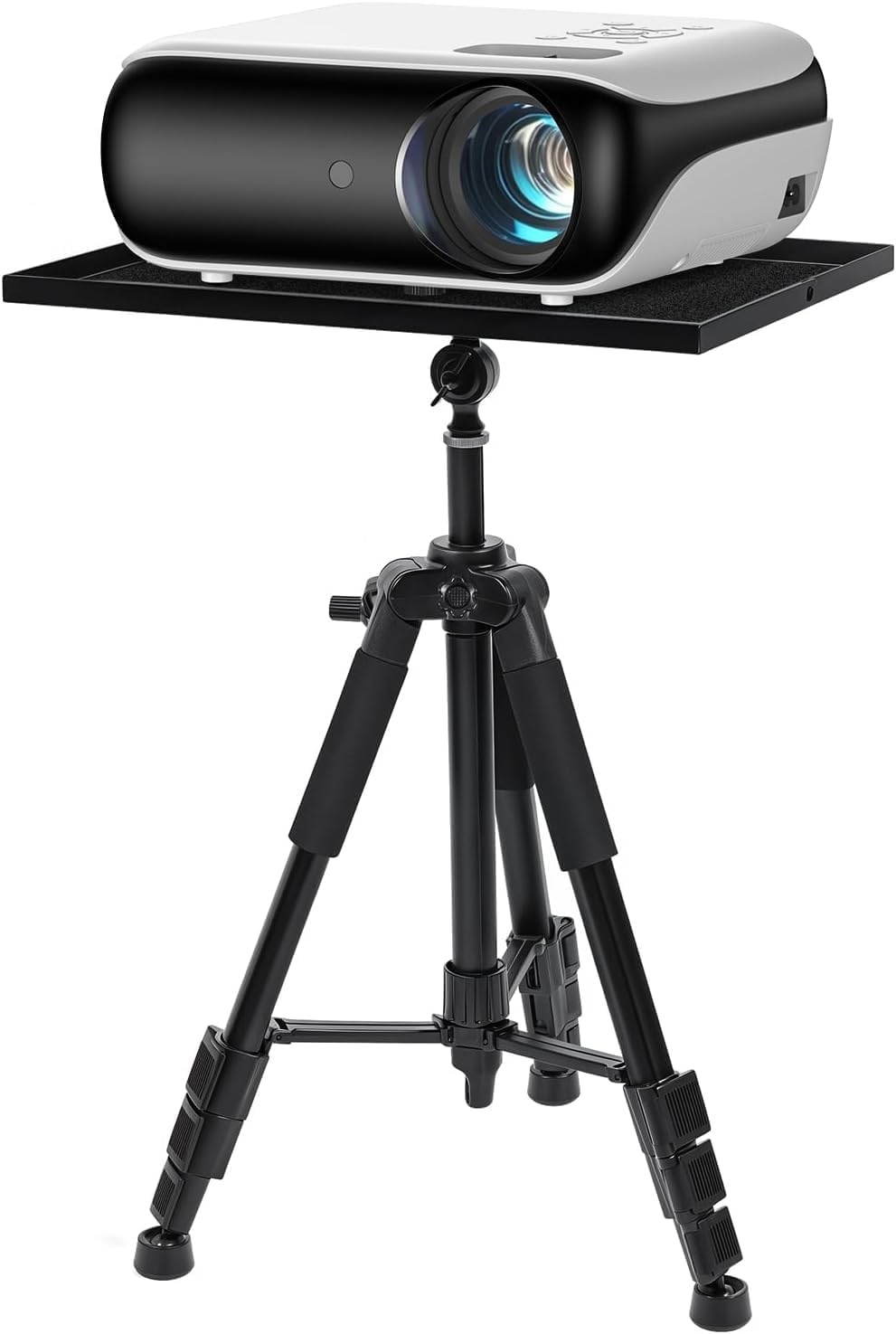
HAPPRUN Native 1080P Outdoor Smart Projector with Projector Stand
Check current price
A native 1080P smart projector that ships with its own stand, sized for backyard movie nights and portable setups rather than a fixed theater install.
Visit on Amazon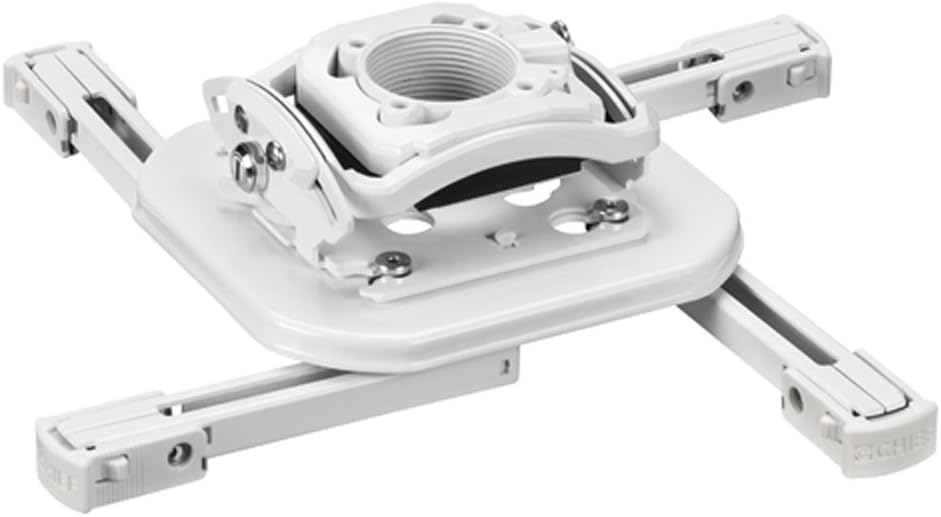
Chief RSMBUW Rpa Mini Elite Universal Projector Mount Lock B White
A compact universal projector mount in white with a locking design, intended for installs where the projector needs to hold its position over time.
Visit on Amazon
Universal Projector Ceiling Mount - White
Check current price
A straightforward white ceiling mount for hanging a projector overhead, suited to simple installs where a clean look matters more than fine adjustment.
Visit on Amazon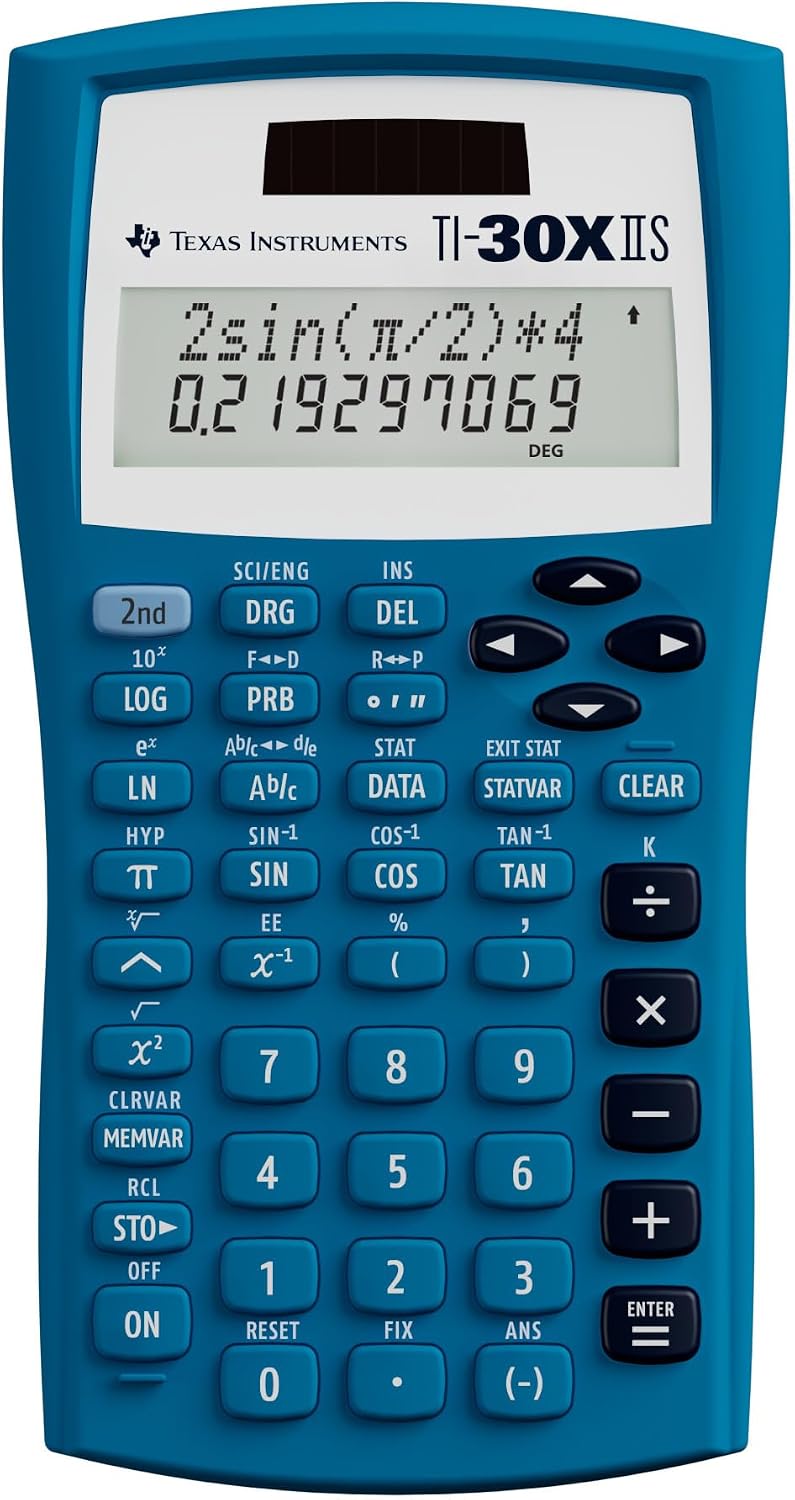
Texas Instruments TI-30XIIS Scientific Calculator, Blue
A scientific calculator that handles the arithmetic behind throw ratio, screen height, and seating distance without relying on a phone app.
Visit on AmazonPrices and availability may change. Check the retailer for current details.
How these products were compared
This guide compares brightness claims and the standard behind them, light source type, how each projector produces its image, placement and mounting flexibility, and how well each piece fits a real room rather than a showroom. Product names, images, and retailer links are matched by product identifier so that every card points to the product shown.
Nothing here is presented as a measurement taken in my own room. Where a number comes from the manufacturer, it is described as a manufacturer rating, not as a verified result.
How to choose the right projector setup
Start with the room, not the projector. If you cannot control light, your budget should go toward brightness before it goes toward anything else. A brighter projector in a room with windows beats a contrast-focused projector in the same room almost every time. If you can control light, you can spend less on output and more on image quality, and you will be happier with the result.
Next, work out where the projector can physically sit. Throw ratio tells you how far back the projector needs to be for a given image width, so measure your room, decide your screen size, and then check that the numbers line up. Zoom range gives you a little slack, and lens shift gives you more, but neither one rescues a projector that needs to sit four feet behind your back wall. Do this math before you buy, not after.
Then decide between a self-contained lifestyle projector and a dedicated home theater unit. A self-contained projector with built-in streaming and speakers is the right answer for a living room, a bedroom, or anywhere you want one remote and no receiver. A dedicated home theater projector is the right answer when the room already has a screen, an audio system, and light control, because you are paying for image quality instead of convenience features.
Finally, plan the mount. Ceiling mounting gets the projector out of the light path and out of the way, and it also means the projector has to be adjusted once and then left alone. That argues for hardware with real adjustment range and a mechanism that holds its position, especially in a room with a door that closes hard or a floor that flexes. If you are still deciding how far back the projector goes, How to Calculate Projector Throw Distance Before You Drill walks through the arithmetic.
XGIMI HORIZON 20 Max 4K Projector Triple Laser Home Theater 5700 ISO Lumens
The HORIZON 20 Max is the pick here for the room that is not a cave. Its rating of 5700 ISO lumens is high for a self-contained projector, and a triple laser light engine means there is no lamp to replace on a schedule. For a living room with a window, a lamp, or a hallway light you cannot fully kill, that combination is the practical answer: you get a picture that holds up under some ambient light instead of one that only works after dark.
The trade-off is the shape of the product. This is a self-contained unit built around convenience, so if your plan involves a long ceiling throw, a large fixed screen, and an outboard audio system, you should confirm the placement and adjustment specs for your specific room before committing. It is the right projector for people who want one box, and the wrong one for people who want to build a projection booth.
Alternatives to consider
The Sony VPL-XW5000ES 4K HDR Laser Home Theater Projector is better suited to a dedicated room with light control, where its native 4K SXRD panel and laser light source are the point of the purchase rather than a bonus. It is a projector you build a room around, not one you drop on a shelf in a multipurpose space.
The HAPPRUN Native 1080P Outdoor Smart Projector with Projector Stand is a stronger fit when the goal is a backyard movie night or a portable setup that packs away. Native 1080P and an included stand make it a self-contained kit for casual viewing, and it is the sensible choice when the alternative is hauling a theater projector outside.
The Chief RSMBUW Rpa Mini Elite Universal Projector Mount Lock B White covers installs where the projector has to stay exactly where you aimed it. The Universal Projector Ceiling Mount - White covers simpler ceiling installs where a clean white finish and basic overhead mounting are the whole job. The Texas Instruments TI-30XIIS Scientific Calculator, Blue is the small one that earns its place: throw ratio, image height, and seating distance all turn into multiplication and division, and a dedicated calculator keeps those numbers off your phone screen while you are up a ladder.
Day-to-day use and maintenance
A laser light source changes the maintenance conversation. There is no lamp to replace at a fixed hour count, so the routine work shifts to keeping the optical path clean and keeping the projector cool. Dust on the lens softens the image, and dust in the intake is what shortens the life of the fans that keep everything else in spec. Wipe the lens with a proper lens cloth rather than a paper towel, and follow the manufacturer's cleaning instructions for the body and vents.
Ventilation is the part people skip. A projector mounted tight to a ceiling or inside a closed cabinet has nowhere to dump heat, and fan noise rises as the unit works harder to stay cool. Leave the clearance the manual asks for, and if the projector sits in an enclosure, make sure air can actually move through it. Fan noise is one of the most common reasons a good projector stops getting used.
Recheck the mount after the first few weeks. Hardware settles, and a projector that was perfectly square on day one can drift slightly once everything has been under load for a month. A mount with a locking mechanism makes that adjustment a one-time job instead of a monthly one. Keep the remote, the power supply, and any streaming device in one place so the setup stays a single button press rather than a scavenger hunt.
Buying checklist
- Measure the room and the intended screen width before choosing a throw ratio.
- Check that any brightness figure names the standard it uses, and compare only like with like.
- Confirm whether the projector is native 4K or uses pixel shifting, and decide if that matters for your content.
- Verify the mount fits your projector's mounting pattern and your ceiling structure.
- Read the ventilation and cleaning instructions before the projector goes up.
- Check current retailer price, availability, and return terms before ordering.
Final recommendation
Choose the XGIMI HORIZON 20 Max 4K Projector Triple Laser Home Theater 5700 ISO Lumens when the room has some ambient light and you want one self-contained box with a laser light engine and a high brightness rating. Choose the Sony VPL-XW5000ES 4K HDR Laser Home Theater Projector when the room is dark, dedicated, and built around image quality. Add the mount that matches your install, and let the calculator handle the throw math before you drill anything.