The projector gets all the attention, and it is usually the last thing worth upgrading. After fifteen years of hanging projectors in basements, bonus rooms, and living rooms with too many windows, the calls I get are almost never about the imaging chip. They are about a screen that was never flat, a projector sitting on a coffee table aimed up at a textured wall, and a throw distance nobody measured before the drill came out. Projector setup essentials are unglamorous by design: a surface that reflects light evenly, a mount that holds the lens exactly where the geometry demands, and five minutes of arithmetic. Get those right and a modest projector will outperform a good one in a bad room, every time.
Related: How to Calculate Projector Throw Distance Before You Buy →
Quick answer
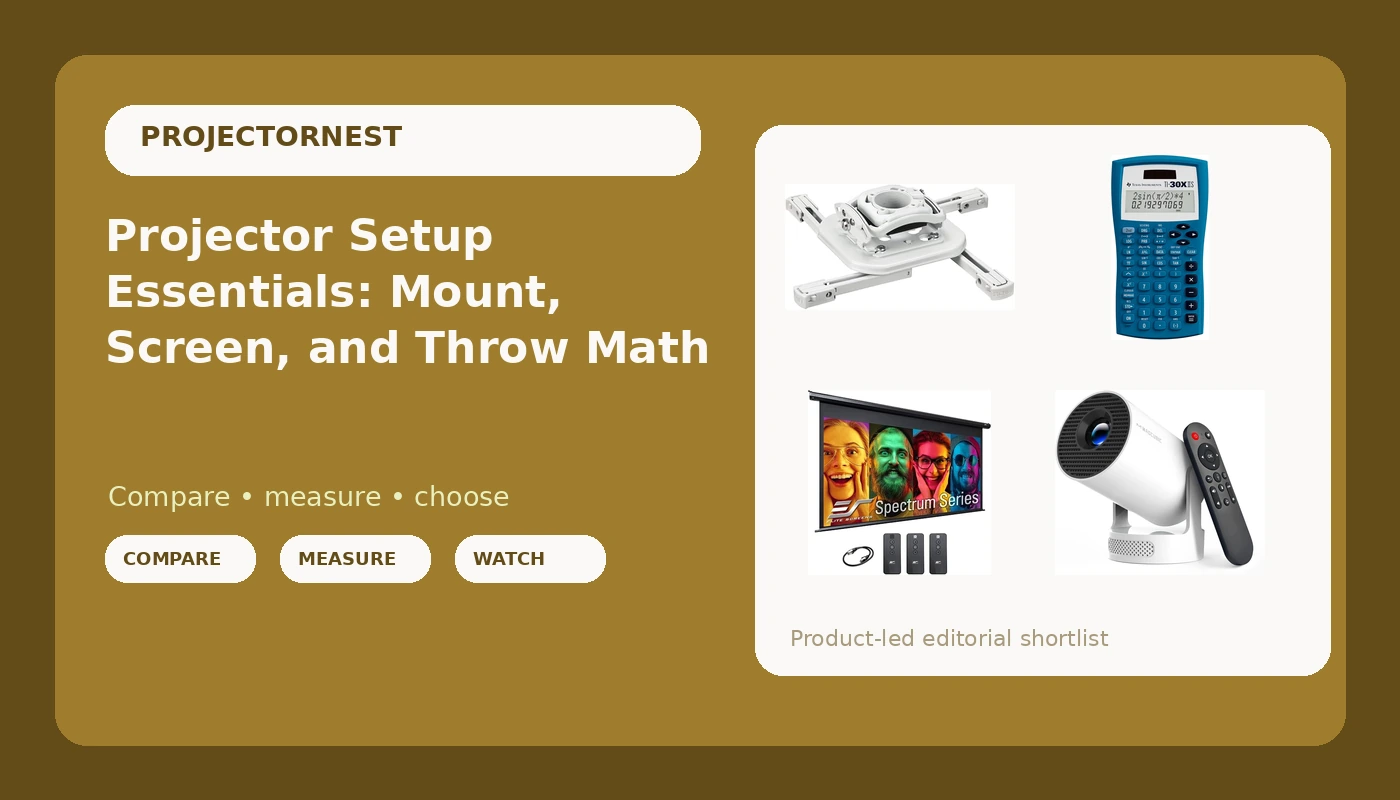
No single part fixes a room, but four of them cover most of it. The Elite Screens Spectrum provides a flat, retractable 100-inch 16:9 surface that disappears when you are not watching. The Chief RSMBUW holds a projector exactly where the lens needs to be and locks it there. The Magcubic mini projector covers casual indoor and outdoor viewing without a permanent installation. The Texas Instruments TI-30XIIS is the least exciting item here and the one that quietly prevents the most common installation mistakes, because throw distance, screen size, and seating position are all just math. Buy the parts that match the room you actually have.
Four useful options
| Model | Best fit | What stands out |
|---|---|---|
| Magcubic Mini Projector with WiFi 6 and Bluetooth 5.4 | Portable and temporary viewing | WiFi 6 and Bluetooth 5.4, 5W speaker, auto vertical keystone, 180-degree rotating body |
| Chief RSMBUW Rpa Mini Elite Universal Projector Mount Lock B White | Permanent ceiling installs | Universal RPA Mini Elite mount with a locking mechanism, white finish |
| Elite Screens Spectrum, 100-inch Diag 16:9, Electric Motorized Drop Down Projector Screen | A viewing wall that has to do double duty | Motorized drop-down design, 100-inch diagonal, 16:9, described as 4K/8K ready |
| Texas Instruments TI-30XIIS Scientific Calculator, Blue | Throw distance and screen math | Scientific function set from Texas Instruments in a blue housing |
The portable option: Magcubic Mini Projector with WiFi 6 and Bluetooth 5.4, Portable Projector 4K Support, 5W Soundbase Speaker, Auto Vertical Keystone 180°Rotatable Smart Proyector for Movie Home Outdoor
Portable projectors trade light output and placement precision for convenience, and that is the honest trade. A unit like this lives on a shelf, a patio table, or a bedroom dresser, and it moves with you. The rotating body is genuinely useful, because aiming a small projector upward at a ceiling is the fastest way to watch something lying down without a ceiling mount. Automatic vertical keystone handles the trapezoid when the projector is tilted, but understand what it does: keystone correction is digital, so it reshapes the image after the fact and costs you some sharpness at the edges. The more time you spend aligning the projector physically, the less keystone has to do. One note on the name: "4K support" describes the signal the projector accepts, not a promise about the imaging chip. If native resolution matters to you, confirm it before buying, because a projector that takes a 4K input and one that resolves 4K detail are not the same thing.
The permanent mount: Chief RSMBUW Rpa Mini Elite Universal Projector Mount Lock B White
Ceiling mounting is not about aesthetics. It is about removing every variable between the lens and the screen. A projector on a shelf or a table gets nudged, and every nudge changes the angle, which changes the keystone, which changes the shape of the image. A rigid mount eliminates that. The locking mechanism matters more than people expect in shared spaces, classrooms, and any room with kids or a cleaning crew, because a projector that can be repositioned by hand is a projector that will be. Before you commit to a ceiling position, do the math first: measure the distance from the wall to your intended mount point, check that against the throw ratio of your projector, and confirm the screen height puts the lens roughly level with the top or bottom third of the image. If you need a ladder every time you adjust the image, the mount is in the wrong place.
The screen: Elite Screens Spectrum, 100-inch Diag 16:9, Electric Motorized Drop Down Projector Screen, ELECTRIC100H
A screen is not an accessory, it is half the image. A painted wall has texture, uneven color, and whatever sheen the previous owner chose, and it will never reflect light the way a purpose-built surface does. The "4K/8K ready" label is about surface uniformity: a screen that is flat and evenly coated will not soften detail the way a bumpy wall will. Motorized drop-down designs solve the specific problem of a multi-use room, where a permanently mounted screen would dominate the wall above the fireplace. Two things to check on any drop-down screen: whether it is tensioned, because untensioned surfaces can develop edge curl over time, and whether the case has room to mount where you need it. A 100-inch 16:9 image is roughly 87 inches wide and 49 inches tall, so plan your wall space and your seating distance around those real numbers rather than the diagonal.
The math tool: Texas Instruments TI-30XIIS Scientific Calculator, Blue
Here is the arithmetic that saves installs. Throw ratio is distance divided by image width, so a projector with a 1.2 throw ratio needs 1.2 feet of distance for every foot of image width. For that 87-inch wide 100-inch screen, you need roughly 104 inches, or about 8.7 feet, from lens to screen. If your room only allows 7 feet, a 1.2 ratio projector physically cannot fill that screen, and no amount of keystone correction will fix it. Screen width from a 16:9 diagonal is diagonal multiplied by about 0.8716. Seating distance for a comfortable cinematic field of view lands somewhere around 1.2 to 1.5 times the image width, which for this screen is roughly 9 to 11 feet. A phone calculator can do all of this, but a dedicated calculator on the install bench is one less thing to unlock, and the same tool covers the trigonometry if you are working out a tilted mount angle.
Prices and availability may change. Product images, names, and retailer links must be matched by verified ASIN. Do not state a current price, rating, stock status, or measured result without current evidence.
Why the room decides more than the projector
Brightness is the only specification that matters if you cannot control the light, and brightness is also the specification most likely to be exaggerated. Lumens are a promise. ANSI lumens are a measurement, taken under a defined procedure with the projector in a specific picture mode. If a brand quotes brightness without naming the standard, treat the number as advertising and assume the real figure is lower. This is why the same projector can look spectacular in a blacked-out basement and washed out in a living room at 4 p.m. Ambient light does not care how much you spent on the projector. It lifts the black floor, flattens contrast, and turns dark scenes into gray mud.
The practical hierarchy is simple. Control the light first: blackout curtains, blinds, and a deliberate decision about which lamps stay on during a movie. Then choose a surface that reflects light evenly. Then think about the projector. A dark room with a proper screen will make an inexpensive projector look better than a premium projector in a bright room with a bare wall. This is not a compromise position, it is just physics, and it is the reason the screen in this list deserves as much attention as the projector.
Contrast ratio marketing deserves the same skepticism. A single number like 100,000:1 tells you almost nothing about what you will see, because it is usually measured in a mode you will never watch and with a method the manufacturer chooses. Real contrast is what your eyes register in your room, on your screen, with your lighting. That is why I calibrate with a meter instead of trusting a spec sheet, and why the first thing I ask about any new projector is not its contrast figure but whether it can hold a dark scene in the room it is going into.
The geometry you should do before you drill
Throw ratio, lens shift, screen height, and seating distance are the four numbers that determine whether an install feels effortless or permanently wrong. Throw ratio decides how far back the projector sits. Lens shift decides how much you can move the image without moving the projector, and it is the single feature that separates a forgiving install from a frustrating one, because optical adjustment does not cost you resolution the way keystone correction does. Screen height decides where your eyes land when you are seated, and the usual target is having your eyes at roughly the bottom third of the image, or the screen center at or slightly below eye level. Seating distance decides how immersive the image feels and how visible any pixel structure is.
The order matters, and this is the sequence I work through on every job:
- Measure the room and pick the wall. Note the usable width, the ceiling height, and where the seats will actually go.
- Choose the screen size from the seating distance, not from what fits on the wall. A screen that is too large for the room is worse than one that is slightly small.
- Calculate the required throw distance using the projector's throw ratio and the image width.
- Verify that the projector can sit at that distance with the lens shift and zoom available, then pick the mount position accordingly.
- Mount, align optically, and only then touch the keystone menu, using it as a final trim rather than a fix for a bad position.
Practical guidance for a first projector setup
- Do the math on paper before you buy anything. Throw ratio and screen width eliminate more bad purchases than reviews do.
- Pick the screen before the projector if your room is multi-use, since the screen determines the wall, the seating, and the throw distance.
- Mount the projector so the lens is level with the screen edge or center, and use optical lens shift before you reach for keystone.
- Budget for light control the same way you budget for hardware. Curtains and blinds change the picture more than a spec upgrade does.
- Check fan noise expectations and placement, because a projector mounted directly above the seats turns every quiet scene into a reminder that it is running.
- Buy a mount rated for your projector's weight and bolt pattern, and put it in a position you can reach with a step stool rather than a ladder.
Which option should you choose?
Choose the Elite Screens Spectrum, 100-inch Diag 16:9, Electric Motorized Drop Down Projector Screen, ELECTRIC100H when your viewing room has to serve another purpose and you need the screen to disappear. Choose the Chief RSMBUW Rpa Mini Elite Universal Projector Mount Lock B White when the projector is staying in one place and you want the image to stay square without constant adjustment. Choose the Magcubic Mini Projector with WiFi 6 and Bluetooth 5.4, Portable Projector 4K Support, 5W Soundbase Speaker, Auto Vertical Keystone 180°Rotatable Smart Proyector for Movie Home Outdoor when you need something portable for a bedroom, a patio, or a room you cannot modify. Choose the Texas Instruments TI-30XIIS Scientific Calculator, Blue when you want the throw distance and screen math settled before anyone picks up a drill.
A caveat worth stating plainly: the numbers above are geometry, not performance claims. Whether a specific projector fills a specific screen depends on its actual throw ratio, zoom range, and light output in your room, and those need to come from the manufacturer's documentation for your exact model. No screen or mount can rescue a projector that cannot reach the required distance or that is fighting a room full of daylight.
The bottom line
Projector setup essentials are the parts that make the projector's job possible. A flat, retractable screen gives the light somewhere honest to land. A rigid, locking ceiling mount removes the variables that ruin alignment. A portable mini projector covers the viewing you cannot build a theater for. And a scientific calculator handles the throw distance, screen width, and seating math that decides whether the whole thing works before you spend a single hour on a ladder. Match the parts to the room, control the light, and let the projector do the easy part.