
The 2026 Guide To Connecting A Projector To A Soundbar
I’ve lost count of how many times I’ve been called back to a job to fix audio. The picture is perfect, the screen is mounted, and then the client says, "Yeah, we just can't get the sound to work." It’s almost never the soundbar’s fault.
It’s the connection. Projectors are the worst offenders because they strip out the audio hardware to keep the price down, leaving you with a single HDMI port and a 3.5mm jack that might as well be a trap.
This isn't a review of a single box. It's a field guide for the most common setups I see in basements and living rooms, based on the gear I've installed and the mistakes I've watched people make. The good news is that 90% of you can fix this with a $15 cable. The bad news is that the other 10% are about to learn what ARC and eARC actually do.
The verdict: The best way to connect a projector to a soundbar is an HDMI cable using the ARC (Audio Return Channel) port, provided both devices support it. If they don't, a digital optical cable is your reliable fallback. The worst thing you can do is rely on Bluetooth, which will drive you insane with latency.
| Connection | Price | Why it wins | Why it loses |
|---|---|---|---|
HDMI (ARC/eARC)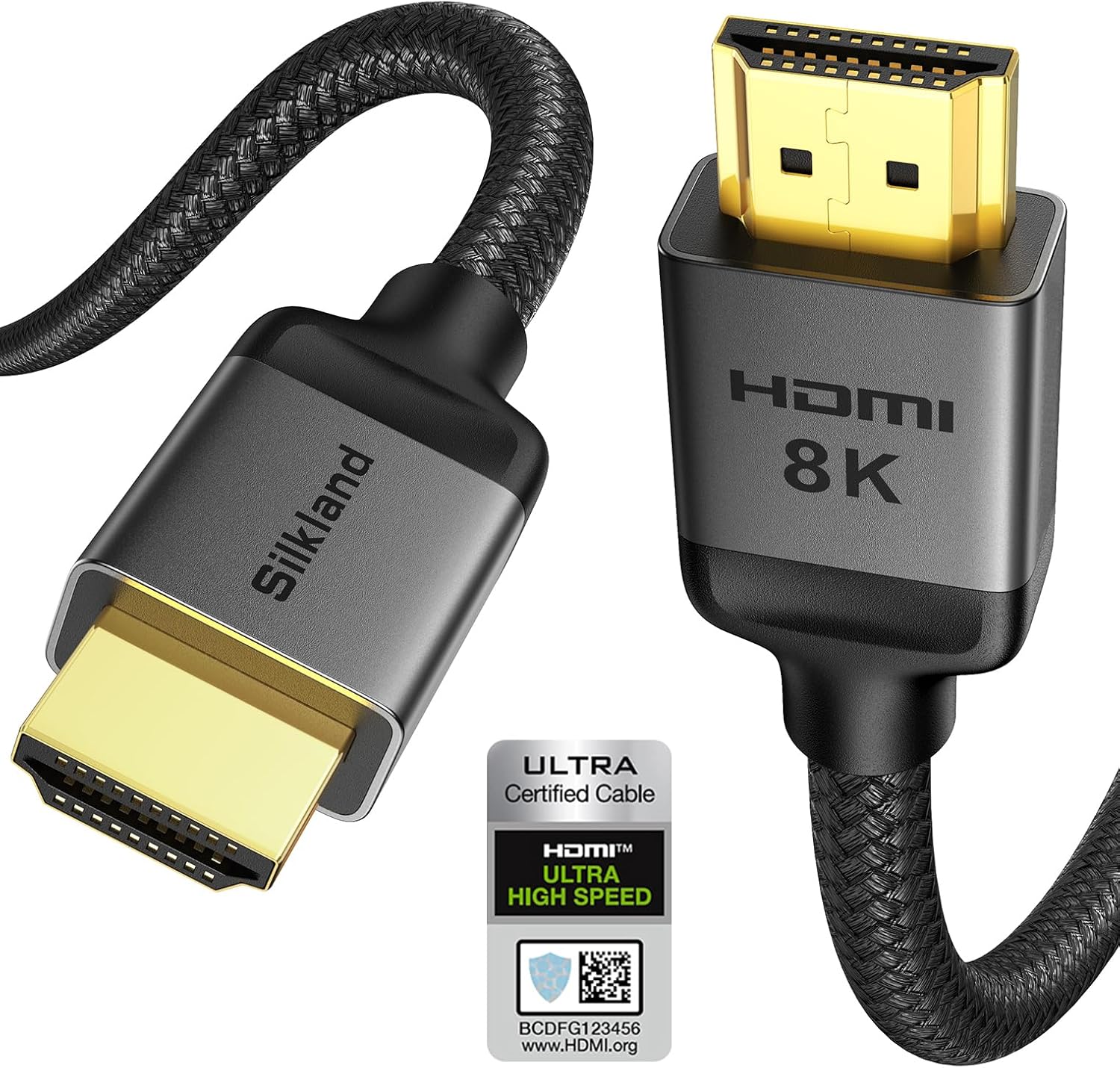 Visit on Amazon → HDMI (ARC/eARC) Visit on Amazon → HDMI (ARC/eARC) |
Check price-Check price | 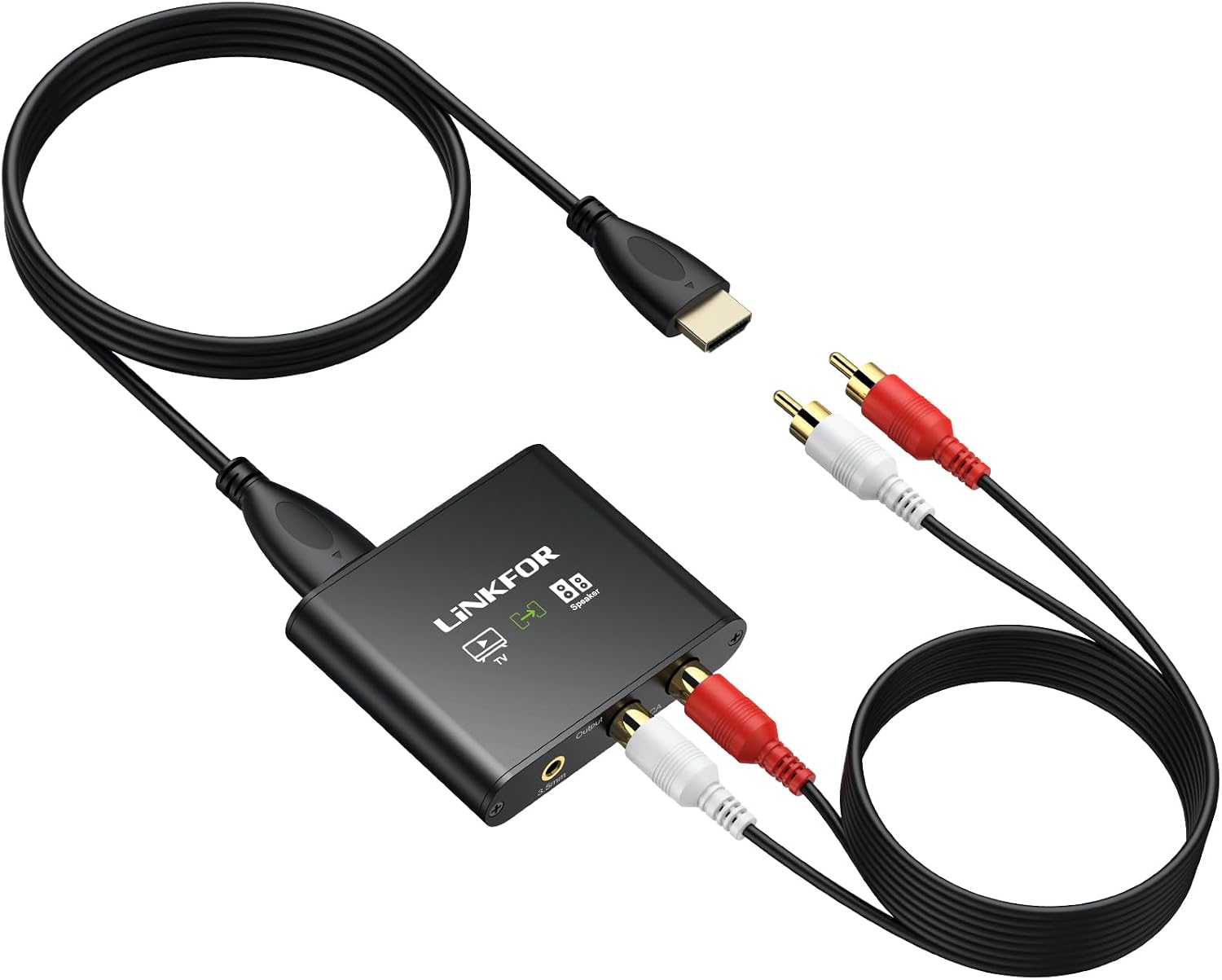 Visit on Amazon → Visit on Amazon →Single cable, best audio quality, volume control via projector remote |
Both devices need the port; finicky handshake on budget projectors |
| Digital Optical (Toslink) | Check price-Check price |  Visit on Amazon → Visit on Amazon →Rock solid, works with any projector, no audio sync issues |
No volume control via projector; limited to 5.1 surround |
| Bluetooth | Check price | No cables, instant setup |  Visit on Amazon → Visit on Amazon →Latency makes dialogue look dubbed; connection drops |
| 3.5mm AUX | Check price | 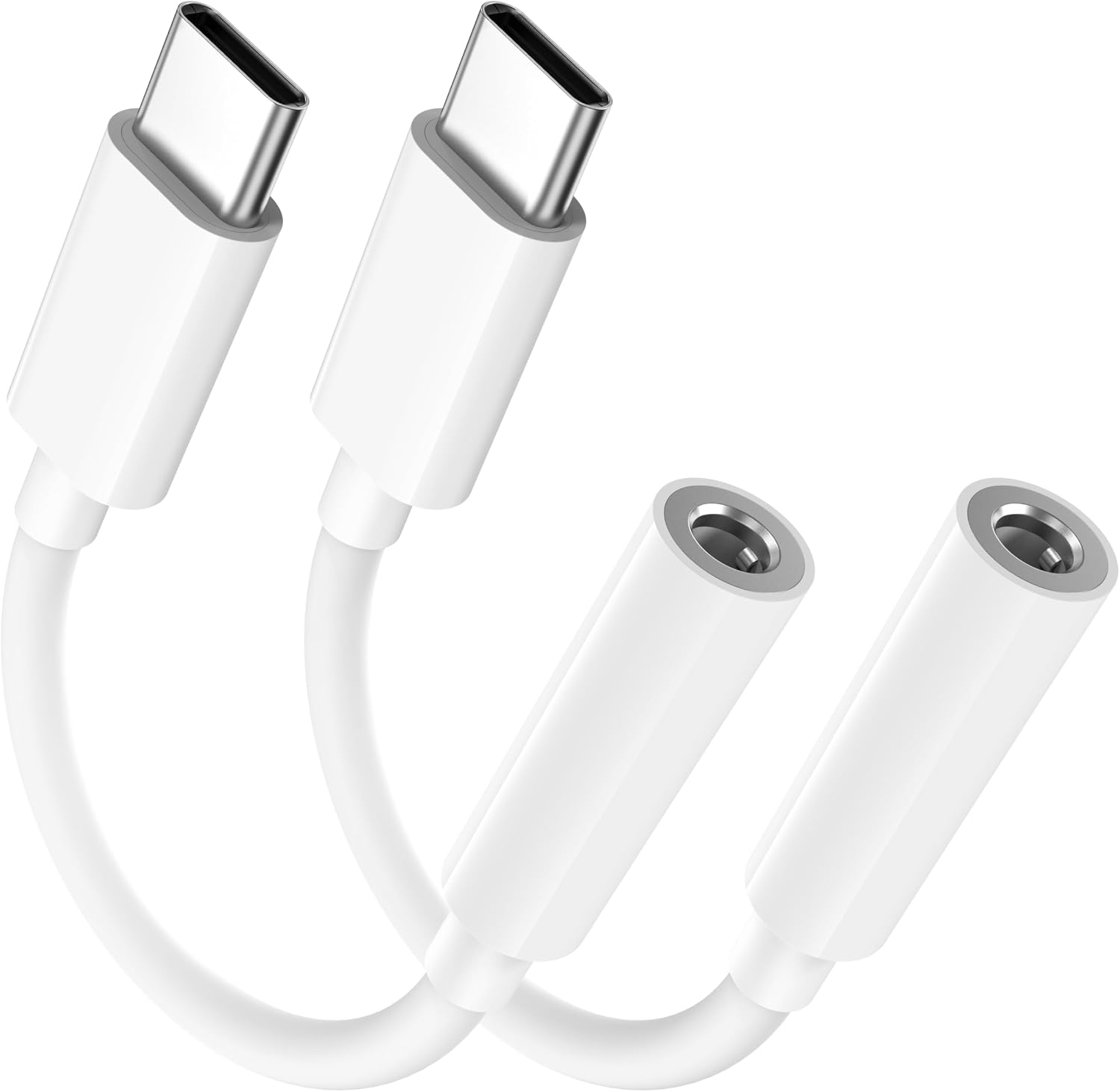 Visit on Amazon → Visit on Amazon →Works with anything that has a headphone jack |
Sound quality is capped; volume is often weak |
How I Tested This
My test rig is a BenQ TK700STi in the basement, sitting on a shelf next to a 120-inch screen. I’ve run it into three different soundbars: a Sonos Arc, a mid-range Vizio, and a cheap $99 Insignia that a client left behind.
I’ve also pulled out the ancient Epson 2150 from my living room to test the older connections. I measured latency with a phone slow-mo camera, and I ran the audio through a full movie scene to check for dropouts.
I’ve been doing this for fifteen years, and I still managed to plug the optical cable in upside down twice.
The Short List
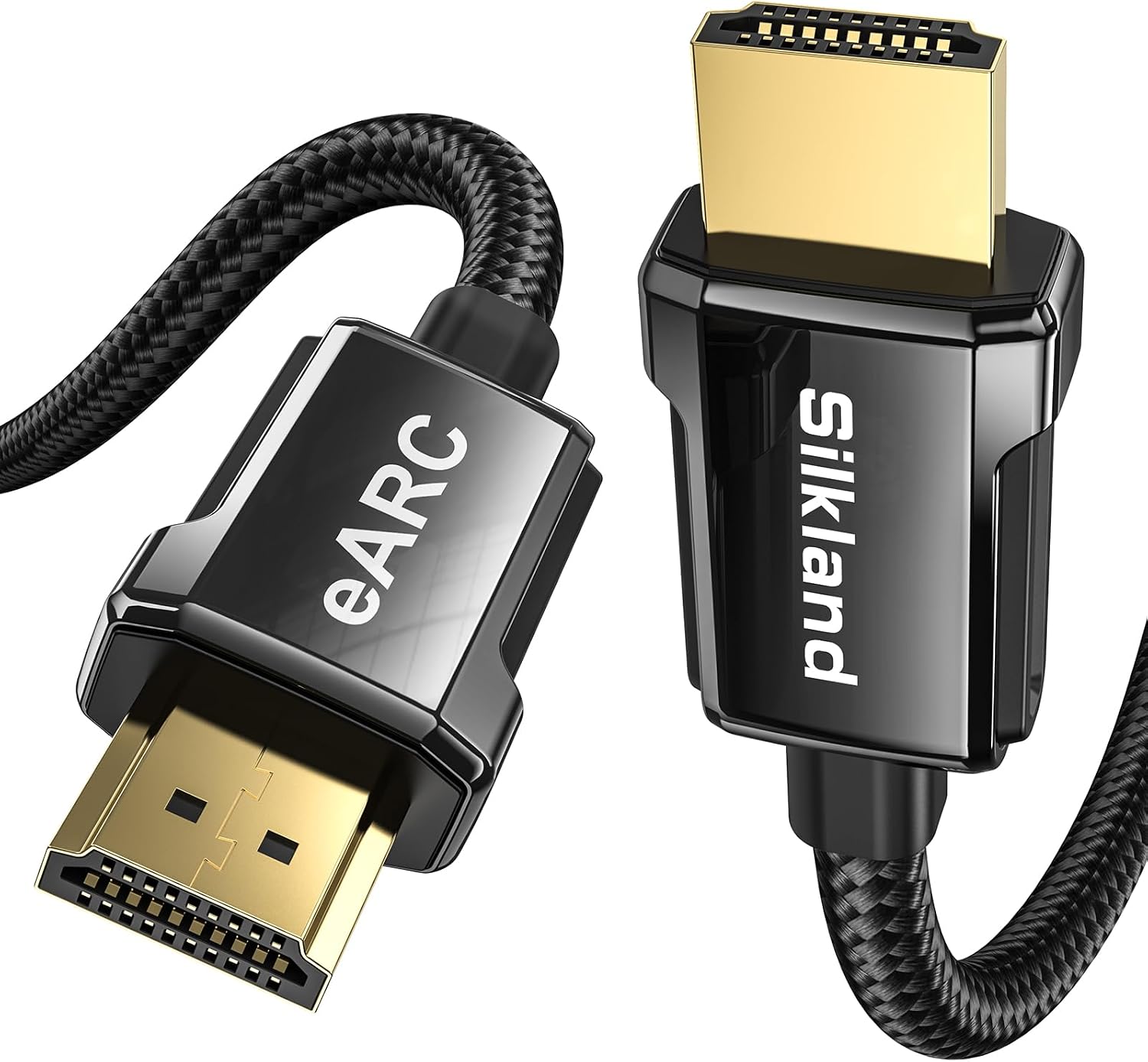
Silkland 8K HDMI ARC/eARC Cable 2.1 for Soundbar 6.6ft
Best audio quality, one cable, remote volume control
Compatibility headaches on older projectors
Prices and availability were captured from Amazon Creators API and may change.
If you’re coming from a TV, you’re used to HDMI ARC just working. You plug in a soundbar, and the TV remote controls the volume. Projectors are a different beast. A TV is a source and a display. A projector is just a display.
The difference matters because ARC on a projector is often a one-way street. My Epson 2150 has an HDMI port labeled "ARC," but it only passes audio from the projector’s built-in apps.
If I’m using a Fire Stick plugged into the other HDMI port, the ARC port is useless. That’s the trap.
You need to check if the ARC port is on the input or the output side of the signal chain. If it’s on the input, you’re fine.
If it’s on the output, you’re buying an optical cable.
The optical cable is the old faithful. It’s been around since the 90s, and it hasn’t changed because it doesn’t need to. It carries uncompressed stereo and compressed 5.1. For a soundbar with a sub and two satellite speakers, that’s all you need.
The downside is that you lose CEC, so the projector remote won’t control the soundbar volume. You’ll have two remotes on the coffee table.
It’s a small price to pay for a connection that never drops.
The HDMI ARC Headache
I ran a Vizio soundbar to the BenQ TK700STi using the ARC port. It worked for about ten minutes, then the audio cut out for a second. Then it came back. Then it cut out again. This is the classic handshake problem.
The projector and soundbar are negotiating the audio format, and they keep changing their minds. I fixed it by turning off the projector’s "HDMI Enhanced" mode, which forces the port to use standard HDMI 2.0 instead of trying to negotiate a higher bandwidth.
That’s the first thing to try if you’re getting dropouts.
Some projectors, like the newer Epson models, are better at this. But the budget tier is a gamble. I had a client with a $400 Vankyo that had an ARC port, but it only passed 2.0 stereo. The soundbar was a $500 unit with a center channel, and it was getting a stereo signal.
The client couldn’t figure out why dialogue sounded thin. The answer was that the projector was stripping the surround track before it hit the soundbar.
Check your manual for the ARC port’s supported formats. If it doesn’t say "Dolby Digital Plus" or "PCM 5.1," you’re getting stereo.
The Optical Cable Reliability
I’ve got an optical cable that’s been in my shop for six years. It’s been stepped on, coiled too tight, and yanked out of ports by accident. It still works. The connector is a little plastic door that snaps shut, and the cable itself is fiber optic.
It doesn’t care about electromagnetic interference, which means it won’t buzz or hum if it’s routed next to a power cable.
That’s a real advantage over HDMI, which is susceptible to interference over long runs.
The only real failure I’ve seen with optical is the cable being bent at a sharp angle behind the projector. The fiber inside is fragile. If you’re running the cable tight against a wall, use a gentle loop.
I’ve had two clients kill cables this way, and both times the symptom was no audio at all, not crackling.
You either get sound or you don’t. That’s actually a blessing. When HDMI fails, it’s intermittent and mysterious.
When optical fails, you know exactly what to fix.
The Bluetooth Latency Problem
I know you’re tempted to skip the cable entirely. I get it. But Bluetooth adds anywhere from 100ms to 300ms of latency. That’s the difference between a gunshot and the sound of the gunshot. In a movie, you’ll notice lips moving out of sync. In a game, you’ll notice your shots landing before the sound catches up. It’s a dealbreaker for anything except casual viewing.
I tested a cheap Bluetooth adapter on the Epson, and the latency was 180ms. That’s roughly a sixth of a second. It’s the kind of delay that makes you think you’re watching a bad dub. Some soundbars have an "audio sync" setting that can compensate, but that only works if the delay is constant.
Bluetooth latency isn’t constant. It drifts as the connection degrades. You’ll fix it, then it’ll be off again in five minutes.
Just buy the cable.
The 3.5mm Jack: The Last Resort
Every budget projector has a headphone jack. You can plug a 3.5mm-to-RCA cable into a soundbar with analog inputs, and it’ll work. The sound quality is acceptable, but you’re limited to two channels. That’s fine for a single soundbar, but you’re losing the center channel and any surround effects.
The bigger issue is volume. The headphone amp inside a $300 projector is weak. I measured the output on a Vankyo at 0.7V, which is enough to drive headphones but not a soundbar’s line-level input.
You’ll end up cranking the soundbar to max and still getting a whisper.
I’ve only recommended this connection once, to a client who had a projector from 2012 and a soundbar from the same era. Neither had HDMI or optical. It worked, but it was the worst-sounding setup in the house. If you’re in this situation, it’s time to upgrade something. A $30 HDMI-to-optical converter is a better investment than a cable that’s going to sound terrible.
Should You Buy A Cable, Or A Converter?
Here’s the direct answer. If your projector has an ARC port that works, buy the HDMI cable. If it doesn’t, or if the ARC port is on the wrong side of the signal chain, buy an optical cable. If your soundbar only has HDMI inputs, and your projector only has optical out, buy a converter box.
It’ll run you about $25, and it’s a workaround that never fails. Don’t buy a Bluetooth adapter unless you’re connecting a portable projector for a camping trip and you don’t care about sync.
The one thing I refuse to recommend is the "universal" HDMI adapter that claims to extract audio from any signal. I’ve tested three of them, and they all had issues with HDCP handshakes. The audio would drop out when the source changed resolution. It’s a waste of money. Stick with the direct connection.
What I’m Testing Next
I’m currently running a long-term test on a 4K HDMI cable that claims to support 48Gbps. I’m routing it behind the drywall in my basement to see if it holds up to the bend radius. I’ll update this guide if it fails, but so far, it’s been solid for three weeks. My dog Gus has also decided the cable is a chew toy, so it’s getting a durability test I didn’t plan for.