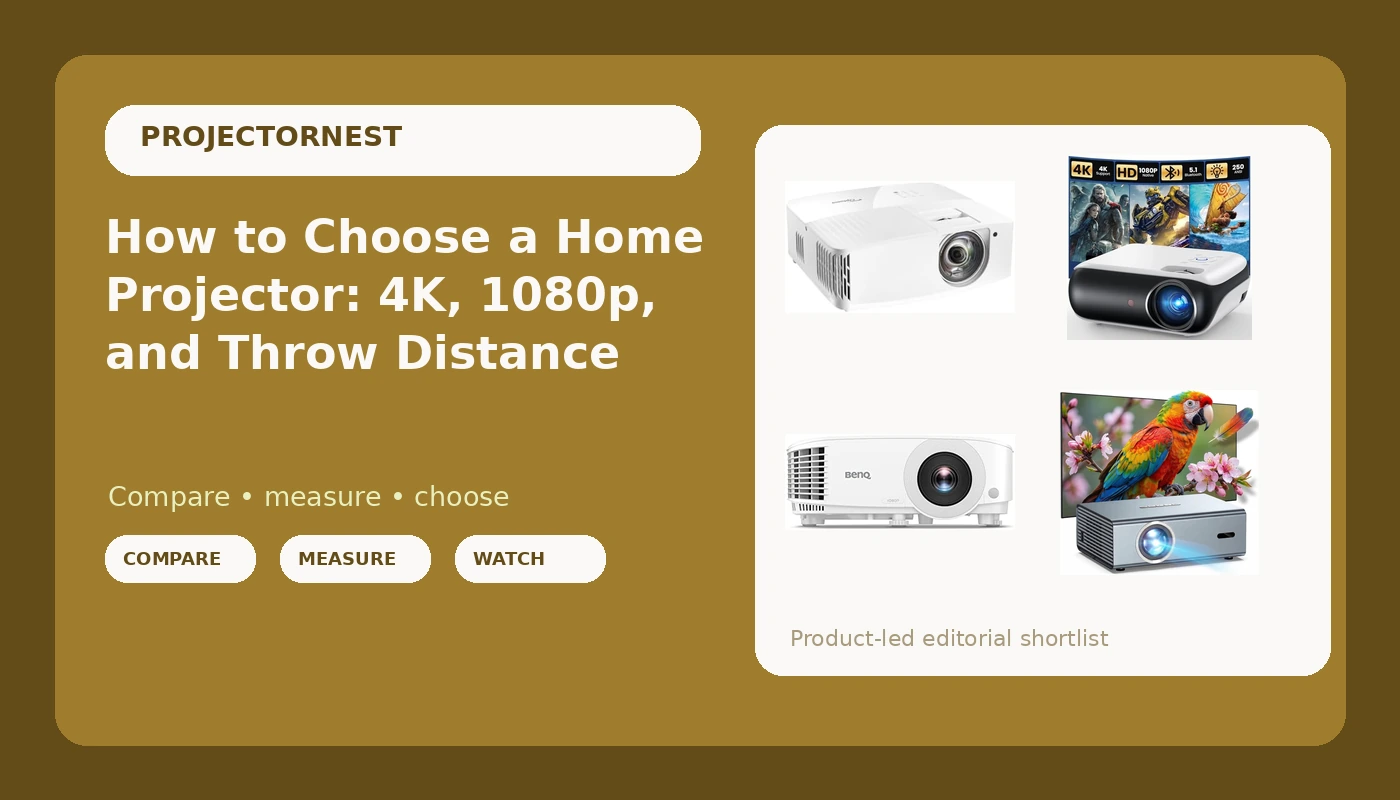
Ask ten people what makes a projector good and you get ten spec sheets. Ask someone who hangs them for a living and you get a much shorter answer: match the projector to the room. That is the whole premise of this home projector buying guide. Brightness, resolution, throw distance, and input lag all matter, but they matter in a specific order, and that order changes depending on whether your screen lives in a blacked-out basement, a living room with west-facing windows, or a sheet stretched across the back fence. The four projectors below are not interchangeable, and the differences between them are exactly the differences that decide whether you love the picture or spend every movie night squinting through a wash of gray.
Related: How to Tame Ambient Light in a Living Room Theater →
Quick answer
Match the projector to the room before you match it to a spec sheet. A short throw 4K model such as the Optoma UHD35STX suits tight spaces and gaming setups where the projector has to sit close to the screen. A bright 1080p unit such as the BenQ TH575 is the sensible starting point for a room with some uncontrolled light. The HAPPRUN Native 1080P Outdoor Smart Projector is aimed at backyard and portable use, and the 4K Projector with WiFi Bluetooth, Auto Focus, Keystone is the least fussy of the group to set up. None of them is universally right, and each one gives up something to get what it has.
Four useful options
| Model | Best fit | What stands out |
|---|---|---|
| Optoma UHD35STX 4K UHD Short Throw Gaming and Home Entertainment Projector | Small rooms and game consoles | Short throw design with 4K UHD resolution and a gaming focus |
| BenQ TH575 1080p 3800 Lumens Home Entertainment Projector 16ms Low Latency | Rooms with some ambient light | 3800 lumen rating and a 16ms low latency rating |
| HAPPRUN Native 1080P Outdoor Smart Projector-Standard | Backyards, patios, and portable setups | Native 1080p in an outdoor-oriented design |
| 4K Projector with WiFi Bluetooth, Auto Focus, Keystone | Fast setup and casual streaming | Auto focus, keystone correction, WiFi, and Bluetooth |
The short-throw pick: Optoma UHD35STX 4K UHD Short Throw Gaming and Home Entertainment Projector
Short throw is the feature people underestimate until they live with it. A standard projector needs a long runway from the back wall to the screen, and in a spare bedroom or an apartment that runway simply does not exist. Sitting the projector close to the wall also keeps cables and foot traffic out of the beam, which matters more than most buyers expect. The trade is that short throw optics are harder to build well, so you are paying for placement flexibility rather than for the largest possible image. If your room is tight and you also play games on the screen, this is the one in the group whose design lines up with both jobs.
The bright-room pick: BenQ TH575 1080p 3800 Lumens Home Entertainment Projector 16ms Low Latency
Here is the rule that saves people the most money: a dim projector in a bright room loses to a bright projector in a bright room, every time. The TH575's 3800 lumen rating is the highest number in this group, and brightness is the one spec that buys back a room you cannot black out. The 1080p resolution is a real limitation next to the 4K models, and you should go in knowing that. What you get in return is a picture that survives a lamp, a window, or a football watch party with the blinds open, plus a low latency figure that makes it usable for games rather than just movies.
The outdoor pick: HAPPRUN Native 1080P Outdoor Smart Projector-Standard
Outdoor projection is its own discipline. You are not chasing reference image quality, you are chasing a picture that shows up at dusk, packs away in ten minutes, and does not make you rebuild a theater every weekend. Native 1080p is a genuinely useful resolution for this job, because on a backyard screen you sit far enough back that the extra pixels of 4K would be hard to see anyway. The honest trade-off is ambient light: dusk is your friend and full sun is not, and no projector in this price territory beats a sky that has not finished setting yet.
Prices and availability may change. Product images, names, and retailer links are matched to verified listings. No current price, rating, stock status, or measured result is stated here without current evidence.
The easy-setup pick: 4K Projector with WiFi Bluetooth, Auto Focus, Keystone
Auto focus and keystone correction are the two features that turn projector setup from a chore into a two minute job. Keystone correction digitally squares up an image that is being thrown at an angle, and auto focus keeps it sharp without you turning a ring and hoping. Both are corrections rather than perfect optics, and heavy keystone adjustment does cost you some resolution, so it is still worth placing the projector as square to the screen as you reasonably can. If you want the simplest path from box to picture and you stream from apps rather than a disc player, this is the least intimidating option here.
Brightness, ANSI lumens, and the room you actually have
Brightness is the spec that decides whether a projector works in your house, and it is also the spec most likely to be quoted dishonestly. A lumen figure without the word ANSI attached is a marketing number, not a measurement, because ANSI lumens are measured under a defined procedure with the projector in a specific picture mode. When a listing quotes a huge number with no standard named, treat it as a ceiling that the projector will not reach in real content. When a listing quotes ANSI lumens, you at least know what you are comparing.
The practical version is simpler than the spec sheet. If you can make the room genuinely dark, a moderate brightness projector will look dramatically better than a bright one in a lit room. If you cannot control the light, brightness is the only spec that keeps the image from washing out, and you should be willing to trade resolution, contrast claims, and almost everything else to get it. Contrast ratio figures deserve special suspicion. Manufacturers measure them in ways that flatter the product, and a number like 100,000:1 tells you far less than ten minutes of watching in your own room with your own lamps on.
One more thing about brightness: it is not free. Running a projector at full power usually means more fan noise and shorter lamp life. A projector that is loud enough to hear over quiet dialogue has failed at its actual job, no matter what the brightness rating says.
Resolution, throw distance, and input lag
Resolution is the second spec people shop by and the one they most often overpay for. Native resolution is what the imaging chip actually produces. Anything advertised as 4K that is built on a lower-resolution chip and reaches 4K through pixel shifting is still a legitimate way to get a sharper-looking image, and it genuinely works, but it is not the same thing as a native 4K panel. Both 4K models in this group are worth considering on their own merits; just do not assume the 4K badge means the same thing across every listing.
Throw distance is where rooms get won and lost. Throw ratio describes how far the projector must sit from the screen for a given image width, so a short throw projector can fill a wall from a few feet away while a standard throw model needs the length of the room behind your seating. Measure your room before you fall in love with a projector, because there is no firmware update that creates floor space.
Input lag is the number gamers care about and everyone else ignores until they try to play something. A low latency figure in the low teens of milliseconds keeps menus and camera movement feeling immediate. If you only watch films, this spec barely matters. If you play, it matters more than the resolution gap between 1080p and 4K at normal seating distance.
A five step way to decide:
- Measure the distance from your intended projector position to the screen, then check that the throw ratio can fill the size you want from that spot.
- Decide honestly whether you can darken the room. If you cannot, prioritize brightness over resolution.
- Pick the resolution tier that matches your seating distance and sources rather than the number on the box.
- If you game on the screen, weigh input lag as heavily as picture quality.
- Set a budget that includes the screen, a mount, and cables, not just the projector.
Practical setup guidance
- Sit closer to the screen than you think. A slightly smaller image that fits your field of view looks sharper and brighter than a huge one that strains your eyes.
- Place the projector as square to the screen as possible. Every degree of angle you correct with keystone is resolution you are throwing away.
- Deal with the light before you deal with the settings. Curtains, blinds, and a dark wall behind the screen do more for contrast than any menu option.
- Budget for sound. Projector speakers are a fallback, and a soundbar or a pair of powered speakers will change how much you enjoy the room.
- Give the projector breathing room. Vents that are blocked or pushed against a wall make the fan work harder and sound louder.
Which option should you choose?
Choose the Optoma UHD35STX 4K UHD Short Throw Gaming and Home Entertainment Projector when your room is short on depth or you want 4K and gaming performance from a projector that can sit close to the wall. Choose the BenQ TH575 1080p 3800 Lumens Home Entertainment Projector 16ms Low Latency when your room has light you cannot fully control and you would rather have a bright, responsive 1080p picture than a dim 4K one. Choose the HAPPRUN Native 1080P Outdoor Smart Projector-Standard when the screen goes up in the yard or moves from room to room. Choose the 4K Projector with WiFi Bluetooth, Auto Focus, Keystone when fast, automatic setup and wireless streaming matter more to you than squeezing out the last bit of image quality.
One caveat worth stating plainly: none of these judgments are measurements taken in your room. They are based on the specifications each manufacturer publishes and the use case each product is built for. Brightness ratings in particular are only meaningful when the standard is named, and the only test that settles the question is your own screen, your own walls, and your own lamps.
The bottom line
The projector that wins is the one that matches the room you actually have, not the room you wish you had. If you can darken the space, resolution and contrast become worth paying for, and a 4K short throw model like the Optoma UHD35STX earns its place in a tight room. If you cannot darken the space, buy brightness first and accept 1080p, which is exactly what the BenQ TH575 is built to do. If the screen lives outdoors, prioritize portability and a native 1080p image. And if setup friction is what has kept you from buying a projector at all, the automated correction and wireless features on the 4K Projector with WiFi Bluetooth, Auto Focus, Keystone remove most of the excuses. Check current Amazon price on the ones that fit, then spend your remaining budget on the screen and the light control, because that is where the last twenty percent of picture quality lives.