I've been hanging projectors for a living for 15 years, and the first thing I tell anyone who asks me for a home theater projector comparison is that the room decides more than the spec sheet does. I've watched a bright projector in a room with a wall of west-facing windows lose to a dimmer one in a basement with blackout curtains. I've also watched people pay for a 4K badge and then run it in eco mode on a bare white wall, which wastes both the money and the projector.
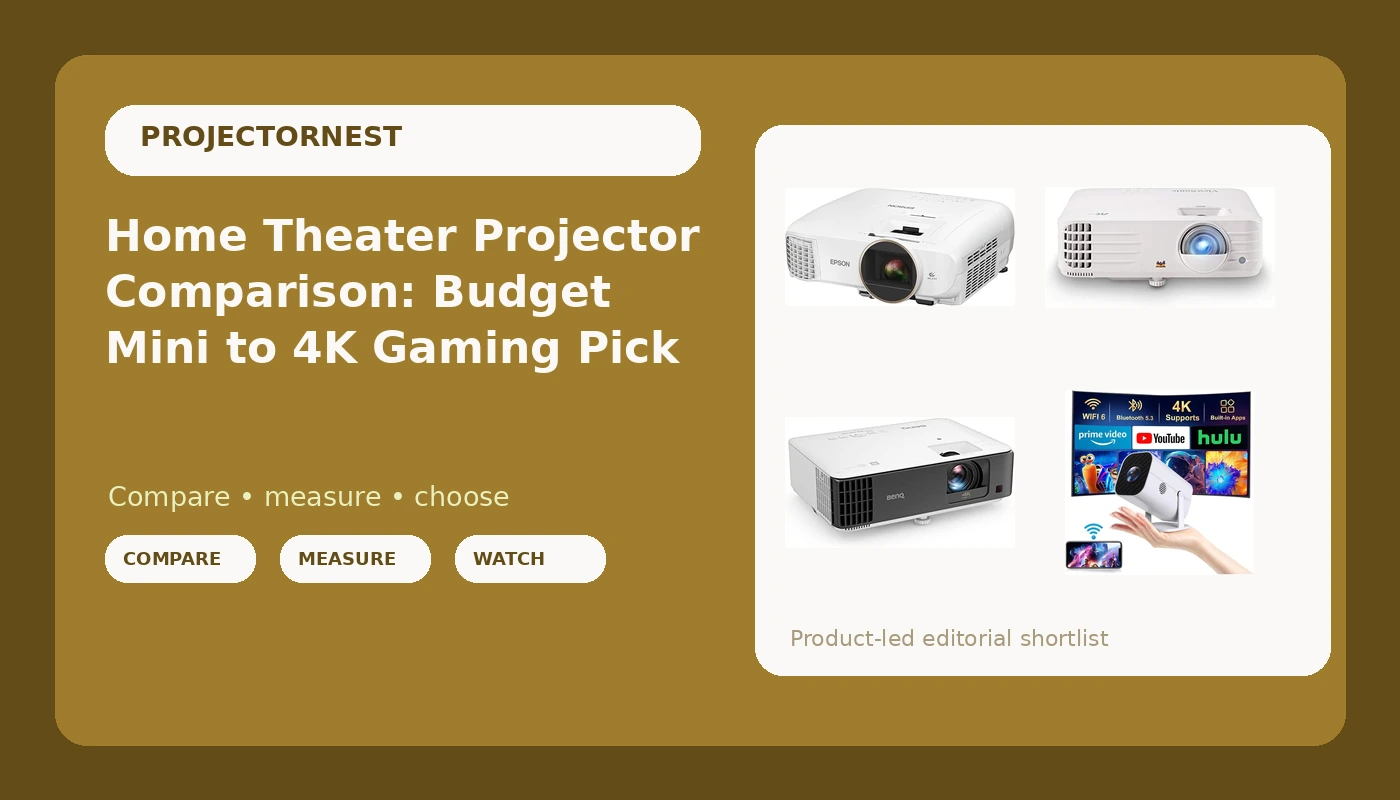
The four models below are the honest spread of what people actually buy in 2026: a mini projector with WiFi, Bluetooth, and built-in apps, a 1080p Epson, a bright 4K ViewSonic, and a short throw 4K BenQ. These are not four versions of the same product. They are four different answers, and one of them is not like the others at all.
Related: Projector Throw Ratio Explained: How Far Back Does Your Projector Go?
For most living rooms, the ViewSonic PX701-4K is the pick, because 3,200 lumens and a 4K UHD DLP chip do the most work when you cannot fully control the light. For a small room or a gaming setup, the BenQ TK700STi takes it. For a dark room where color matters more than resolution, the Epson Home Cinema 2150 still earns its place. And the mini projector is exactly what it looks like: an inexpensive, portable way to get a big image in a bedroom, not a theater.
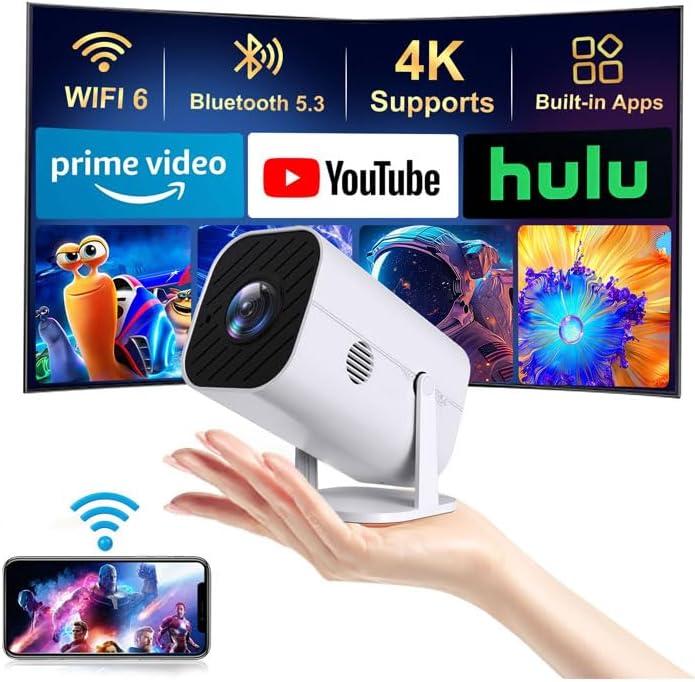
Mini Projector with Wifi and Bluetooth, Built-in Apps, Movie Projector
Built-in apps plus WiFi and Bluetooth mean no streaming stick and no soundbar required, and it is small enough to move room to room or pack in a bag
Nothing in the listing suggests it can fight ambient light, so treat it as a bedroom, dorm, or camping projector and nothing more
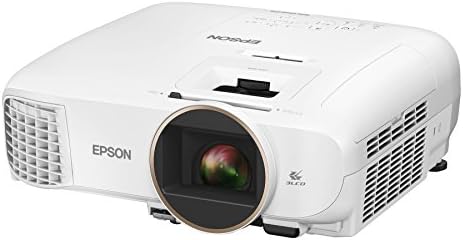
Epson Home Cinema 2150, Wireless, Full HD, 1080p, 2,500 lumens color brightness, 2,500 lumens white brightness, 2x HDMI (1 MHL), Miracast, 3LCD projector
2,500 lumens of color brightness and 2,500 lumens of white brightness, quoted as two separate numbers, plus 3LCD color and 1080p that still looks sharp at normal screen sizes
It tops out at 1080p, it is a lamp projector, and it is long throw, so it needs a dark room and real mounting distance
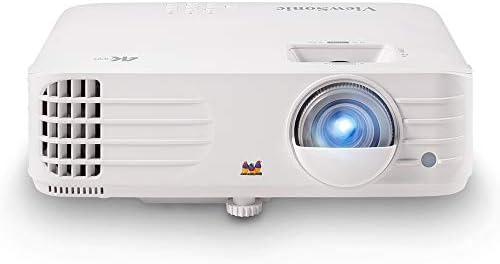
ViewSonic PX701-4K UHD Projector, 3200 Lumens, 240Hz HDR, Auto Keystone DLP
The brightest claim in this group at 3,200 lumens, with a 4K UHD DLP chip, 240Hz refresh, HDR, and auto keystone that makes a crooked shelf install far less painful
No smart system on board, so budget for a streaming device, and DLP blacks will not satisfy a dedicated dark room
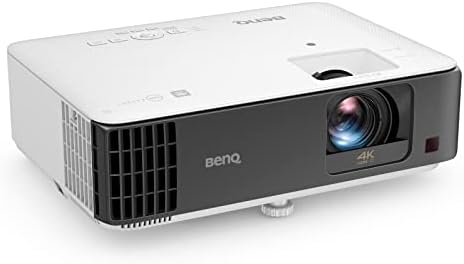
BenQ TK700STi Home Projector, 4K, Short Focus, Android TV 9.0, Low Input Delay, HDR Gaming Projector, 3000 Lumens, DLP, Rec.709, 96%, HDR10 & HLG Compatible, HDMI, 5W Chamber Speaker
3,000 lumens, 4K, short throw for tight rooms, Android TV 9.0 built in, low input delay, HDR10 and HLG support, and a 5W chamber speaker that keeps a casual setup cable free
Short throw placement is fussy, and blacks are mediocre, so it is a living room and gaming projector rather than a blacked-out theater machine
Prices and availability were captured from Amazon Creators API and may change.
Brightness is the spec that decides everything
Brightness is the only spec that matters if you cannot control the room, and it is also the spec most likely to be quoted in a way that flatters the product. The Epson Home Cinema 2150 gives you two numbers: 2,500 lumens of color brightness and 2,500 lumens of white brightness. That two number format is the one I trust, because color output and white output are separate measurements, and a projector that matches them is usually telling the truth about both. The ViewSonic PX701-4K is listed at 3,200 lumens and the BenQ TK700STi at 3,000, each as a single figure. A single figure is not automatically dishonest, but it also is not a promise about color, so I would want to see either one in a lit room before telling someone they can watch Sunday football with the blinds open.
The mini projector sits outside that conversation entirely. Its listing leans on WiFi, Bluetooth, and built-in apps rather than brightness, and that tells you what it is for: a dark bedroom, a dorm wall, a tent. Put it in a room with a window and you will be watching a suggestion of a movie.
Here is the rule I give clients: control the light first, then buy brightness. A 3,000 lumen projector behind blackout curtains beats a projector with a much bigger number that is fighting a wall of windows, every single time. Curtains are cheaper than lumens.
Throw ratio and placement: the spec nobody checks until it is too late
Throw ratio is the distance from the lens to the screen divided by the image width. A 1.2 throw ratio means 1.2 feet of distance for every foot of image width, so a 100 inch wide image needs 10 feet of throw. That math decides where the projector can live before you ever think about the picture.
The BenQ TK700STi is the short throw option here, which means it can sit much closer to the wall than a normal projector and still fill a large screen. In a small apartment, a bedroom, or any room where people walk between the couch and the screen, that is worth more than a slightly better contrast number. The trade-off is that short throw placement is fussy. A few inches in the wrong direction changes the image size noticeably, and if the unit sits too low you will be fighting the geometry.
The ViewSonic PX701-4K includes auto keystone, which handles the worst of a shelf or coffee table install by squaring the image up automatically. Keystone correction crops and processes the picture, so it is not free, but for a projector that lives on a bookshelf it is a real convenience.
The Epson Home Cinema 2150 and the mini projector are conventional long throw designs. Measure your room before buying either. The most common email I get is from someone who bought a projector and then discovered there is nowhere in the room it can actually sit.
Resolution: 1080p versus 4K, and why pixel shifting is fine
The Epson Home Cinema 2150 is a native 1080p projector, and at 100 to 120 inches, 1080p is still a good looking image. Most streaming content is 1080p or lower anyway, and a clean 1080p picture beats a soft or over-processed 4K one.
The ViewSonic PX701-4K and the BenQ TK700STi both list 4K UHD, and both are DLP designs. That means pixel shifting: the chip is not a true 8 million pixel panel, it shifts and flashes to create the extra detail, and it works. I have no problem recommending pixel shifting. What I do have a problem with is a 4K label on a projector whose lens and chip cannot resolve it, and neither of these two falls into that trap.
Where 4K earns its money is desktop text, game interfaces, and fine detail in a well mastered movie. Where it does not is a compressed stream watched from the far end of the couch on a white wall.
Gaming, streaming, and sound
The BenQ TK700STi is the most self contained of the four. Android TV 9.0 is built in, so you do not need a streaming stick, and the 5W chamber speaker means a casual setup can run on one HDMI cable and nothing else. Low input delay is the number that matters if you play anything with a controller, and HDR10 plus HLG support covers disc and broadcast HDR. It also lists Rec.709 coverage at 96%, which is the color standard for SDR content and a spec most projectors in this bracket simply do not publish.
The ViewSonic PX701-4K counters with 240Hz refresh support and HDR, which is what a competitive gamer wants to see. There is no smart system, so plan on a streaming device. That is less a flaw than a philosophy: the ViewSonic expects you to feed it, and the BenQ expects to feed itself.
The Epson gives you Miracast plus two HDMI inputs, one of them MHL, so you can mirror a phone or plug in a stick. It is also 3LCD, which means no color wheel, so no rainbow effect. Some people see rainbow artifacts on single chip DLP projectors and cannot unsee them, and 3LCD sidesteps that argument completely.
The mini projector has WiFi, Bluetooth, and built-in apps, which for its price bracket is the entire point. Bluetooth lets it drive a real speaker, which you will want, because small projectors have small speakers.
What a mini projector is actually for
A bedroom ceiling. A dorm wall. A kid's room. A tent. A white sheet in the backyard after dark. Built-in apps and Bluetooth mean the entire setup is the projector and a WiFi password. That is genuinely useful, and for the money it is a lot of screen.
What it is not is a home theater. There is no brightness claim here that survives a lamp, no resolution claim that survives a close look, and no lens that survives a real install. Buy it expecting a theater and you will be disappointed. Buy it expecting a big picture in a dark room for very little, and you will be happy.
The trade-offs, stated plainly
Every one of these has a way to disappoint you. The Epson Home Cinema 2150 stops at 1080p, uses a lamp, and needs both a dark room and a long throw distance, which makes it a poor fit for a bright living room and a great fit for a basement. The ViewSonic PX701-4K has the brightness and the 4K chip, but no smart operating system and DLP blacks that will feel thin in a blacked out room. The BenQ TK700STi is the most complete package of the four, but short throw placement is fussy and its blacks are still DLP blacks, so it is a living room and gaming machine rather than a dedicated theater projector. The mini projector compromises on every spec in exchange for size, simplicity, and a very low entry point.
None of that is a flaw in the products. It is a mismatch between the product and the room, and the room is the part you can actually fix.
Who should buy which
If your room has windows you cannot defeat, take the ViewSonic PX701-4K. Brightness is the one thing you cannot add later, and it brings the most of it along with a 4K UHD chip.
If your room is small, or you spend your evenings gaming, take the BenQ TK700STi. Short throw gives you a big image from a short distance, the low input delay matters, and Android TV 9.0 means one cable and you are done.
If your room is dark and you care about color, take the Epson Home Cinema 2150. The 3LCD image and the honest dual brightness figures are worth more in a blacked out basement than any 4K badge on the box.
If you want a large picture in a bedroom, a dorm, or a tent for very little, take the mini projector and adjust your expectations to match.
What I would verify before you click buy
Four things, in this order.
Measure your throw distance with a tape measure, then check the math against the projector's throw ratio. This is the step people skip, and it is the one that ends with a projector on a coffee table pointing at a wall it cannot fill.
Decide whether the projector will sit on furniture or hang from the ceiling. Shelf and coffee table installs need auto keystone and a forgiving lens. Ceiling installs need a mount, a power run, and a lens with enough flexibility to line up without a ladder.
Count your cables. If you want one HDMI cable and no streaming stick, buy the projector with the smart system built in. If you already own a streaming device you like, save the money and buy the brighter projector without one.
Check the return window. Projectors are room dependent in a way that almost no other product is. Buy from somewhere that lets you send it back after you have seen it on your own wall, because the only review that matters is the one you run in your own living room.
That is the whole game. Brightness, throw distance, and the room. Get those three right and the rest is details.